
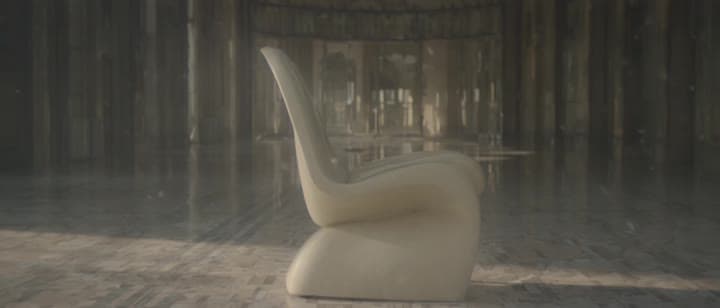
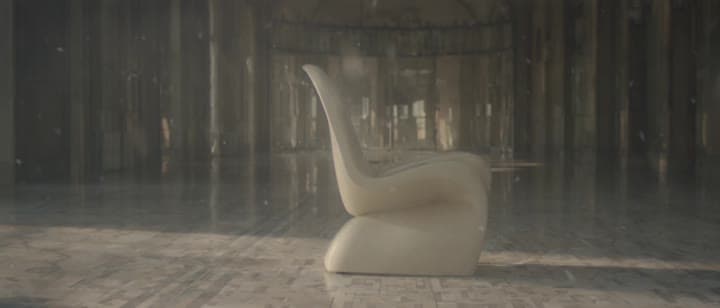
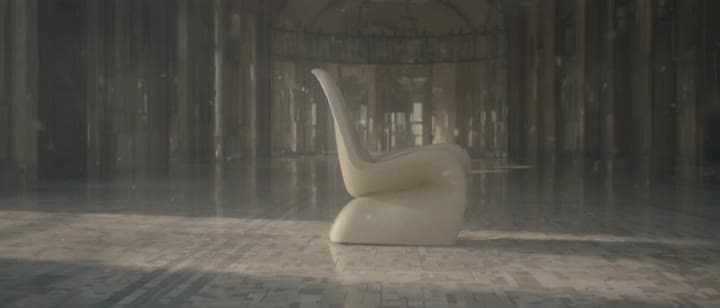
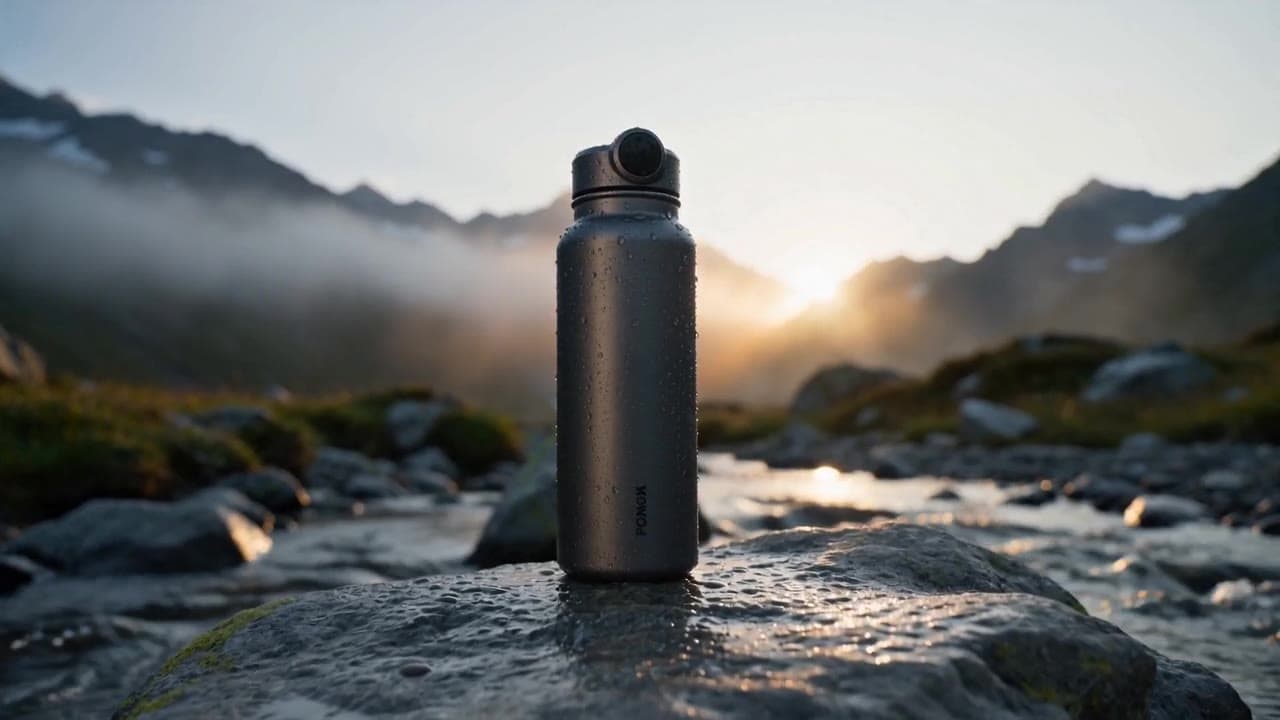
Luma Ray 3.2 video example: A quiet editorial shot of a
This Luma Ray 3.2 text to video example shows A quiet editorial shot of a. It shows how Luma Ray 3.2 handles this prompt with 5-second timing · 21:9 · 720p output.
Prompt breakdown
Prompt used to generate this render.
Workflow
Text to video
Camera
Prompt Example
Output
5s · 21:9 · 720p
Recorded render cost
$1.30
Audio
Off
Constraints
Text To Video, Camera Move
Prompt improvement notes
Note 1
Keep the subject, camera move, lighting, duration, aspect ratio and audio requirement grouped so the render has one clear production brief.
Note 2
Change one variable at a time when cloning this prompt: model, duration, camera motion or reference input. That makes quality and price differences easier to compare.
Note 3
Add a short negative prompt if you need to block text overlays, logos, distorted hands, face warping or unwanted camera shake.
Compare this model
Review this example beside nearby engines before choosing a render path.
Why Luma Ray 3.2 fits this shot
Use Luma Ray 3.2 in MaxVideoAI for source-video Modify, AI video Reframe, guide/keyframe controls, and supporting text-to-video or image-to-video tests.
Image input
Motion controls
30s max
Key frames
Related examples
View all examples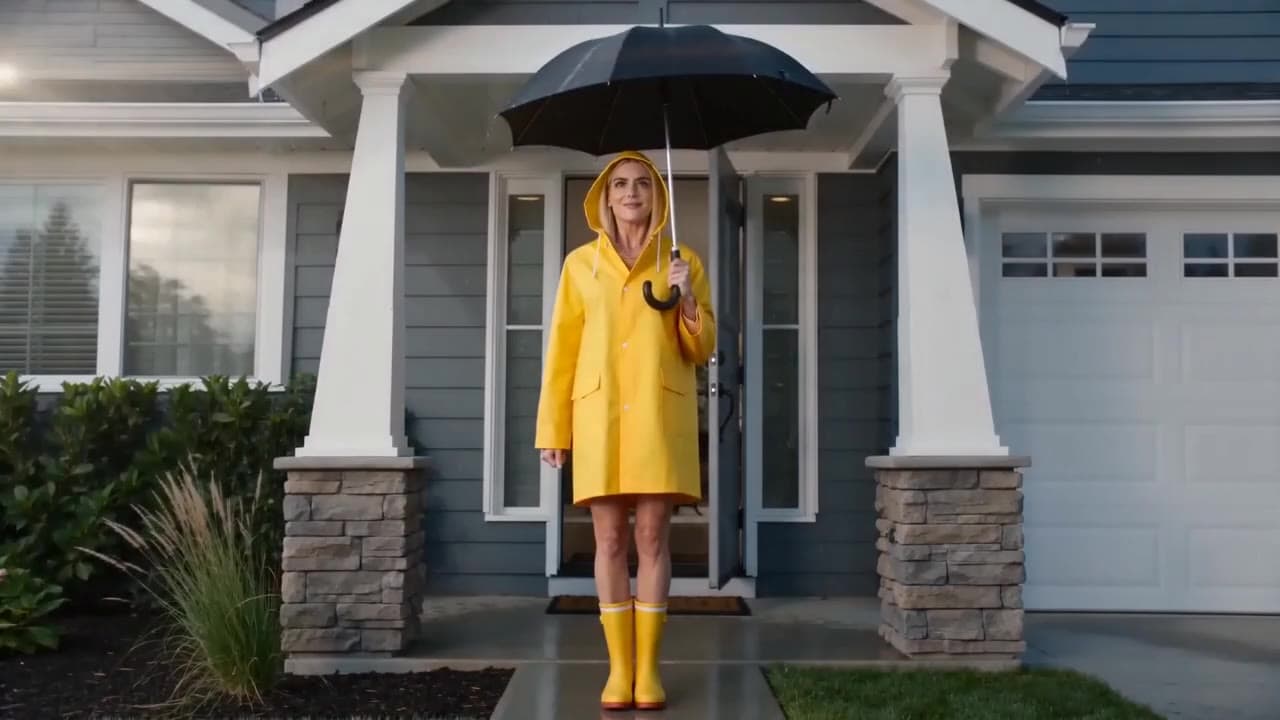 Seedance 2.0 Fast
Seedance 2.0 Fast comedy short raincoat umbrella video example
This Seedance 2.0 Fast text-to-video with audio example shows a short photorealistic live-action comedy scene set in front of a suburban house. A woman in a bright yellow raincoat and rain boots stands under an umbrella, creating a simple visual gag setup with strong color contrast, clean framing and short-form comedy pacing. Use it as a reference for AI comedy short prompts, live-action sketch ideas, character-driven micro scenes and social-ready humorous video examples.
 Seedance 2.0
Seedance 2.0 multi-shot insulated water bottle product ad example
This Seedance 2.0 text-to-video with audio example shows a cinematic multi-shot product ad for a premium insulated water bottle. The sequence uses an alpine outdoor setting, product hero framing, macro detail shots, water ambience and polished commercial pacing to demonstrate how Seedance can turn a structured product brief into a complete ad-style video.
 Kling 3 Pro
Kling 3 Pro Mars terraforming sci-fi video example
This Kling 3 Pro watch page shows a 16:9 text-to-video sci-fi terraforming scene on Mars, using a dolly-in, slow orbit and dramatic red-to-green landscape transformation.
 OpenAI Sora 2 Pro
Sora 2 Pro CCTV cat in wet cement example
This Sora 2 Pro watch page shows a CCTV-style construction scene where a cat crosses wet cement, testing fixed framing and comic timing.