
Seedance 2.0 storyboard-to-video animated short with dialogue
This Seedance 2.0 storyboard-to-video example uses a visual storyboard reference to generate a short animated dark fantasy scene with multi-scene structure, native audio and dialogue. The storyboard defines the characters, shot composition, camera angles, action beats and emotional progression before Seedance turns the sequence into an animated short-film style video.
Storyboard inputs
Visual workflow context
Editorial notes for the source images and visual reference workflow.
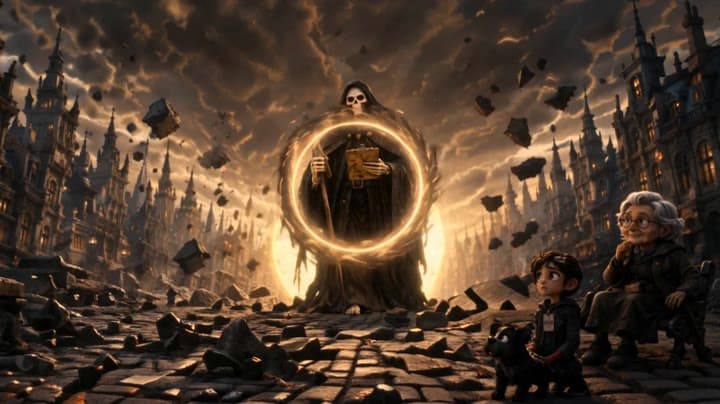
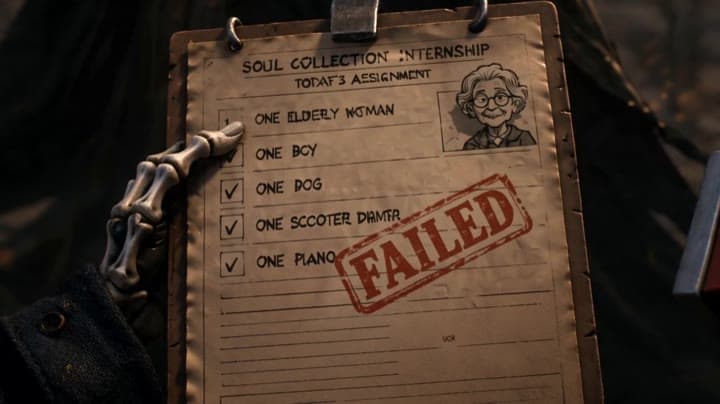
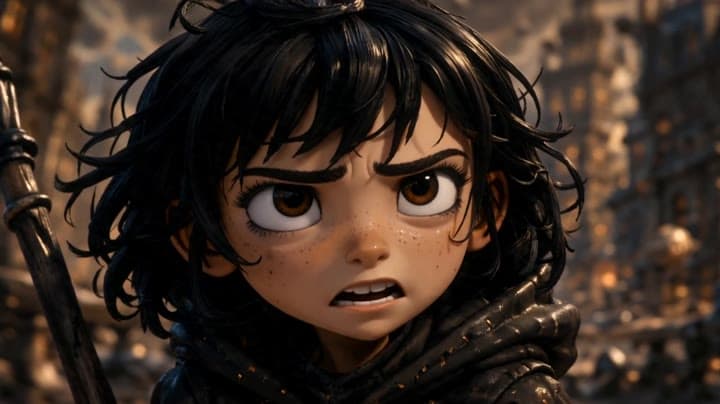
This storyboard-to-video workflow uses a visual storyboard page as the main creative input for a short animated dark fantasy scene. The reference frames show Mila, a young death intern, meeting a towering Reaper mentor in a ruined city environment. The storyboard defines multiple...Show full contextHide full context
This storyboard-to-video workflow uses a visual storyboard page as the main creative input for a short animated dark fantasy scene. The reference frames show Mila, a young death intern, meeting a towering Reaper mentor in a ruined city environment. The storyboard defines multiple cinematic beats: the mentor’s entrance through a glowing portal, a low-angle dialogue exchange, a close-up on the failed soul collection report, Mila’s emotional reaction, the rule being explained, and her final determined close-up. Seedance 2.0 uses these visual panels to generate a structured animated sequence with multi-scene continuity, cinematic camera staging, native audio, sound effects and character dialogue. This example demonstrates how a storyboard can guide an AI video model toward a more controlled animated short than a simple text-to-video prompt.
Workflow
Reference to video
Camera
Image To Video
Output
15s · 16:9 · 720p
Recorded render cost
$5.90
Audio
Enabled
Constraints
Reference To Video, Audio Enabled, Reference Images
Reference images
1
Prompt improvement notes
Note 1
Keep the subject, camera move, lighting, duration, aspect ratio and audio requirement grouped so the render has one clear production brief.
Note 2
Change one variable at a time when cloning this prompt: model, duration, camera motion or reference input. That makes quality and price differences easier to compare.
Note 3
Add a short negative prompt if you need to block text overlays, logos, distorted hands, face warping or unwanted camera shake.
Compare this model
Review this example beside nearby engines before choosing a render path.
Why Seedance 2.0 fits this shot
Seedance 2.0 by ByteDance: cinematic AI video with native audio, realistic physics, director-level camera control, 480p/720p/1080p/4K output, and text, image, and reference workflows.
Image input
Audio option
Motion controls
Key frames
Related examples
View all examples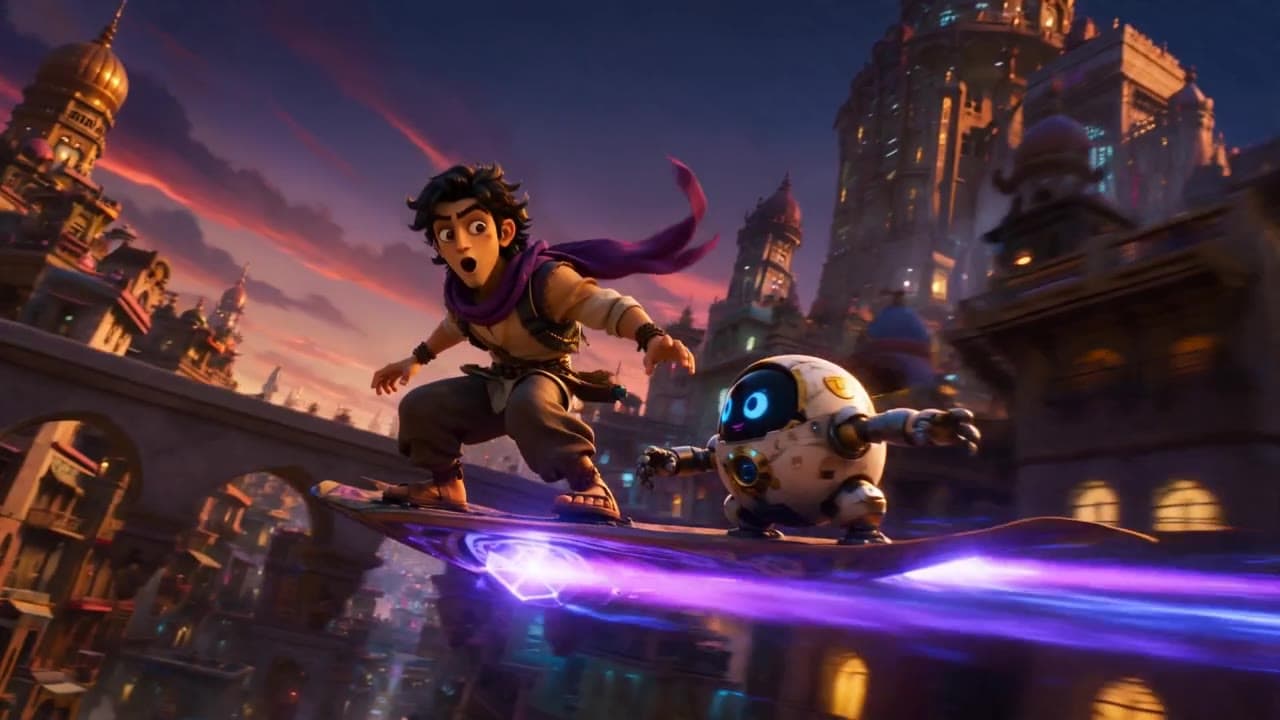 Seedance 2.0
Seedance 2.0 storyboard-to-video 3D animation example
This Seedance 2.0 storyboard-to-video example uses a visual storyboard reference to generate a short 3D animated sequence with multi-prompt scene structure, native audio and dialogue. Use it as a reference for AI animation workflows that need stronger visual continuity than a single text prompt, including character action, scene progression, cinematic staging and animated storytelling.
 Seedance 2.0
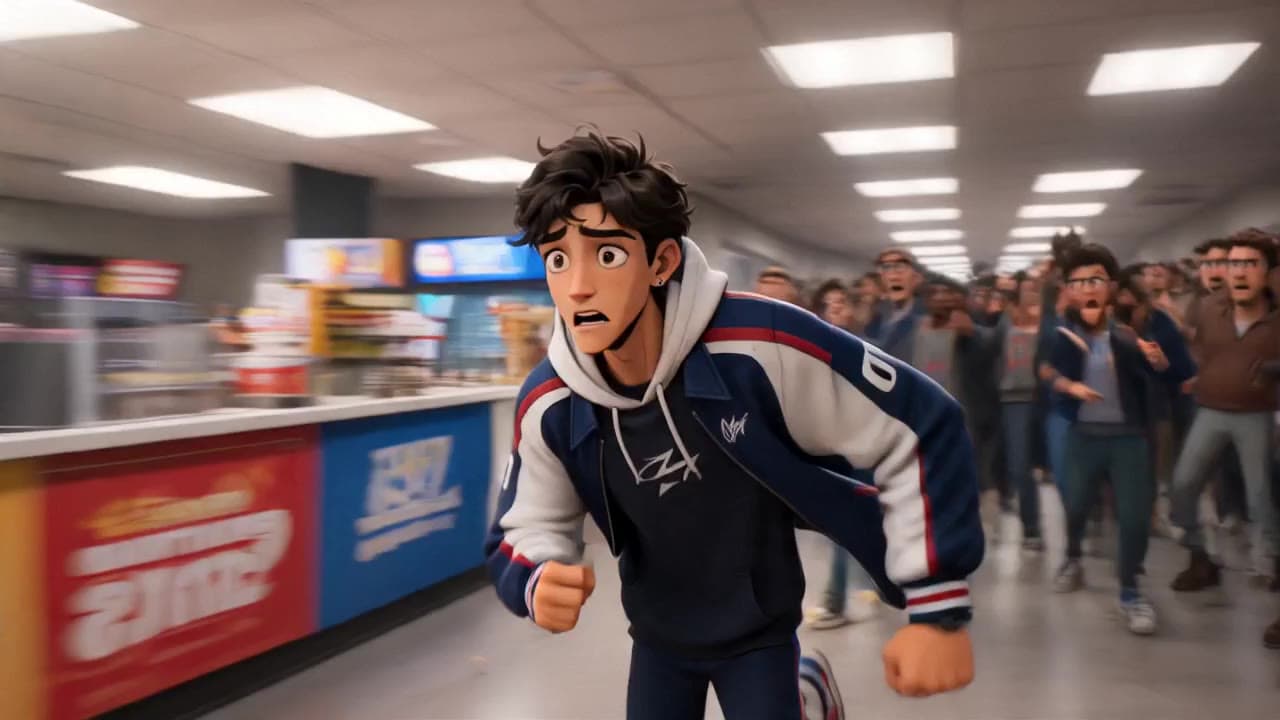
Seedance 2.0 storyboard-to-video animated short with dialogue
This Seedance 2.0 storyboard-to-video example uses visual reference frames to generate a short animated chase scene with cartoon-style characters, cinematic staging, native audio and dialogue. The sequence turns a planned storyboard into a structured 3D animated short with scene continuity, character action, crowd movement and fast narrative pacing. Use it as a reference for AI animated shorts, storyboard-driven video workflows and dialogue-based animation examples.
 Kling 3.0 Omni Standard
Kling 3.0 Omni Storyboard-to-Video Animation Example
This Kling 3.0 Omni Standard storyboard-to-video example uses visual reference frames to generate a short animated scene with a girl flying past a large building while holding a red umbrella. The sequence combines storyboard-driven composition, cinematic camera movement, character animation, atmospheric lighting and native audio. Use it as a reference for AI animation workflows, storyboard-based video generation, animated short prompts and visually guided character action scenes.
 Kling 3 Pro
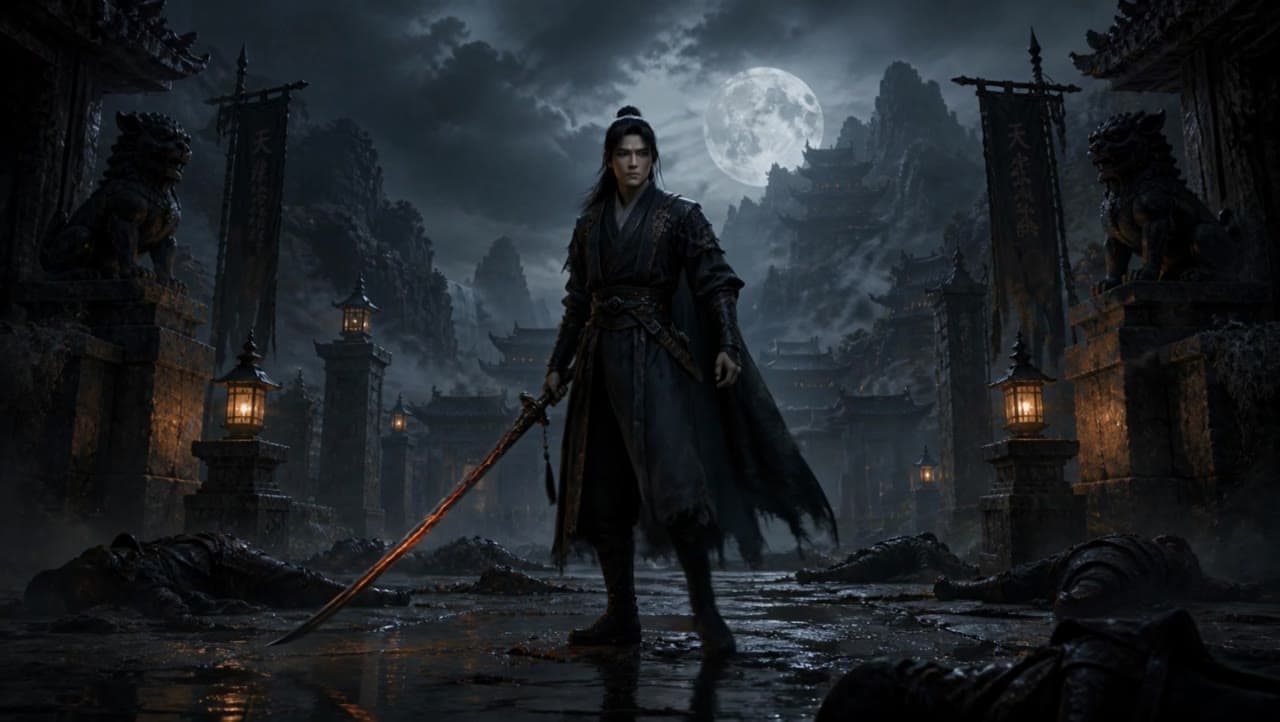
Kling 3 Pro dark warrior red katana example
This Kling 3 Pro draft animates a dark warrior reference image into a 16:9 red-katana temple scene with five camera beats, fog, moonlight and audio.