
Kling 3.0 Omni Storyboard-to-Video Animation Example
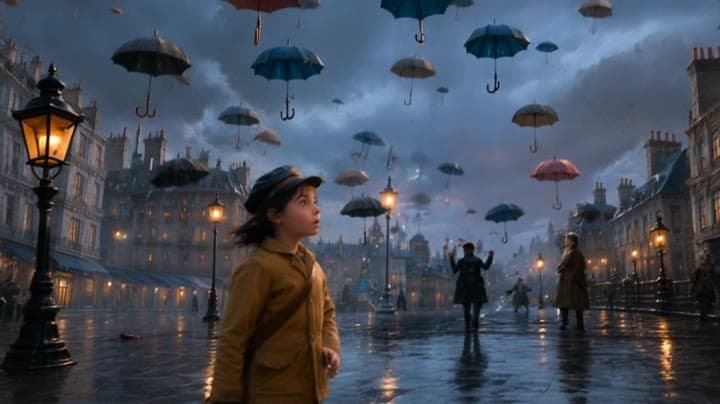
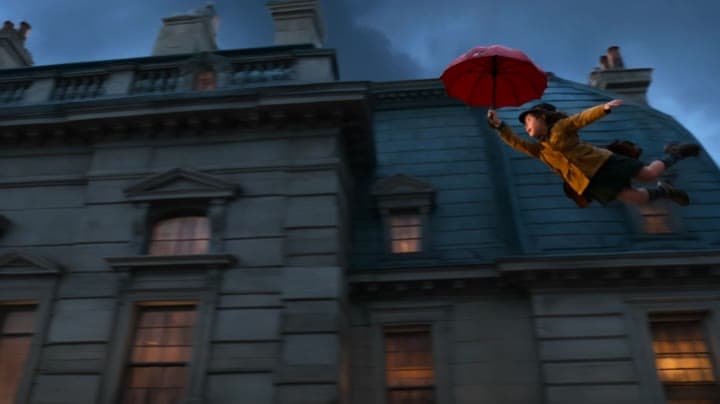
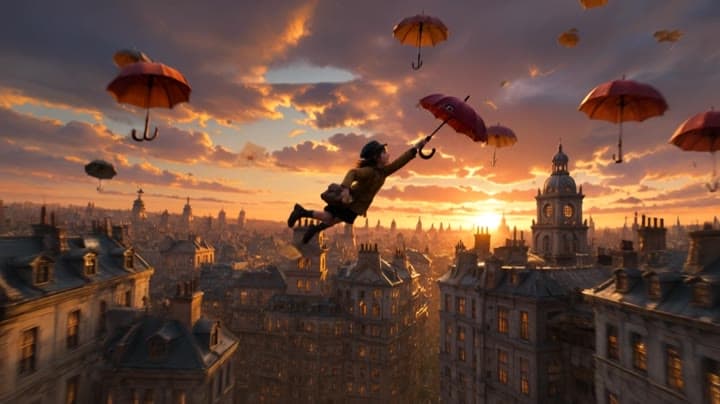
This Kling 3.0 Omni Standard storyboard-to-video example uses visual reference frames to generate a short animated scene with a girl flying past a large building while holding a red umbrella. The sequence combines storyboard-driven composition, cinematic camera movement, character animation, atmospheric lighting and native audio. Use it as a reference for AI animation workflows, storyboard-based video generation, animated short prompts and visually guided character action scenes.
Storyboard inputs
Visual workflow context
Editorial notes for the source images and visual reference workflow.
This storyboard-to-video animation workflow uses visual reference frames as the main creative input. Instead of relying on a long text prompt alone, the storyboard defines the character, red umbrella prop, building exterior, scene composition, camera angle, flying motion and anim...Show full contextHide full context
This storyboard-to-video animation workflow uses visual reference frames as the main creative input. Instead of relying on a long text prompt alone, the storyboard defines the character, red umbrella prop, building exterior, scene composition, camera angle, flying motion and animated short style. Kling 3.0 Omni Standard turns those visual references into a structured 16:9 animated scene with character movement, cinematic framing, atmospheric lighting and native audio. This example demonstrates how storyboard planning can guide an AI video model toward a clearer animation sequence than a simple text-to-video prompt.
Workflow
Reference to video
Camera
Image To Video
Output
12s · 16:9 · 1080p
Recorded render cost
$1.97
Audio
Enabled
Constraints
Reference To Video, Audio Enabled, Reference Images
Shot type
customize
Reference images
1
Prompt improvement notes
Note 1
Keep the subject, camera move, lighting, duration, aspect ratio and audio requirement grouped so the render has one clear production brief.
Note 2
Change one variable at a time when cloning this prompt: model, duration, camera motion or reference input. That makes quality and price differences easier to compare.
Note 3
Add a short negative prompt if you need to block text overlays, logos, distorted hands, face warping or unwanted camera shake.
Compare this model
Review this example beside nearby engines before choosing a render path.
Why Kling 3.0 Omni Standard fits this shot
Kling 3.0 Omni Standard uses reference images, storyboard inputs, and source-video V2V without forcing the first upload to become the opening frame.
Reference mode
V2V
Audio native
Key frames
Related examples
View all examples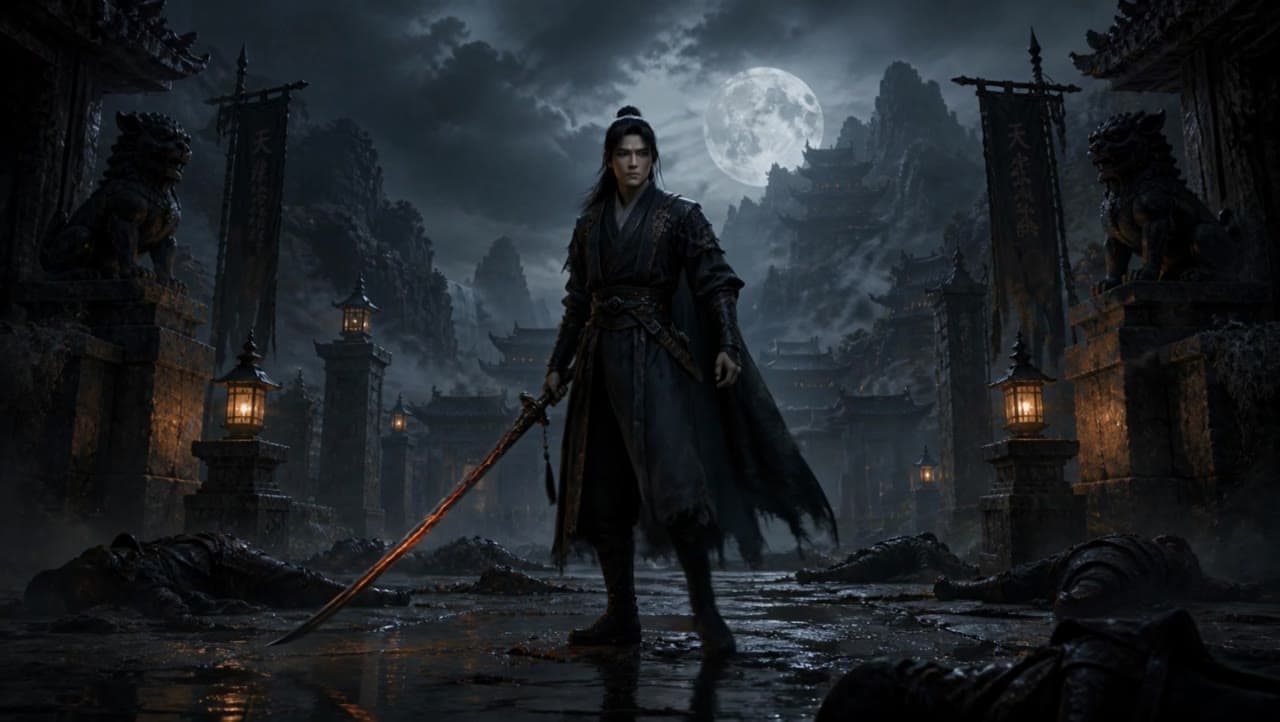 Kling 3 Pro
Kling 3 Pro dark warrior red katana example
This Kling 3 Pro draft animates a dark warrior reference image into a 16:9 red-katana temple scene with five camera beats, fog, moonlight and audio.
 Kling 3 Standard
Kling 3 Standard image to video example for a multi-shot product ad
This Kling 3 Standard image-to-video example shows how a visual reference can be turned into a multi-shot product ad with cinematic camera movement, sci-fi orbital staging, audio, and commercial pacing. Use it as a reference for AI product commercials, futuristic brand films, launch videos, and image-to-video workflows that need more structure than a single animated shot.
 Seedance 2.0 Fast
Seedance 2.0 Fast storyboard-to-video vertical tech ad example
This Seedance 2.0 Fast storyboard-to-video example uses a visual reference storyboard to generate a vertical premium tech commercial with multiple scenes, fast visual pacing, native audio and SFX. Use it as a reference for AI video workflows where the storyboard defines the composition, product reveal, camera rhythm and commercial structure before the model turns it into a polished 9:16 ad-style video.
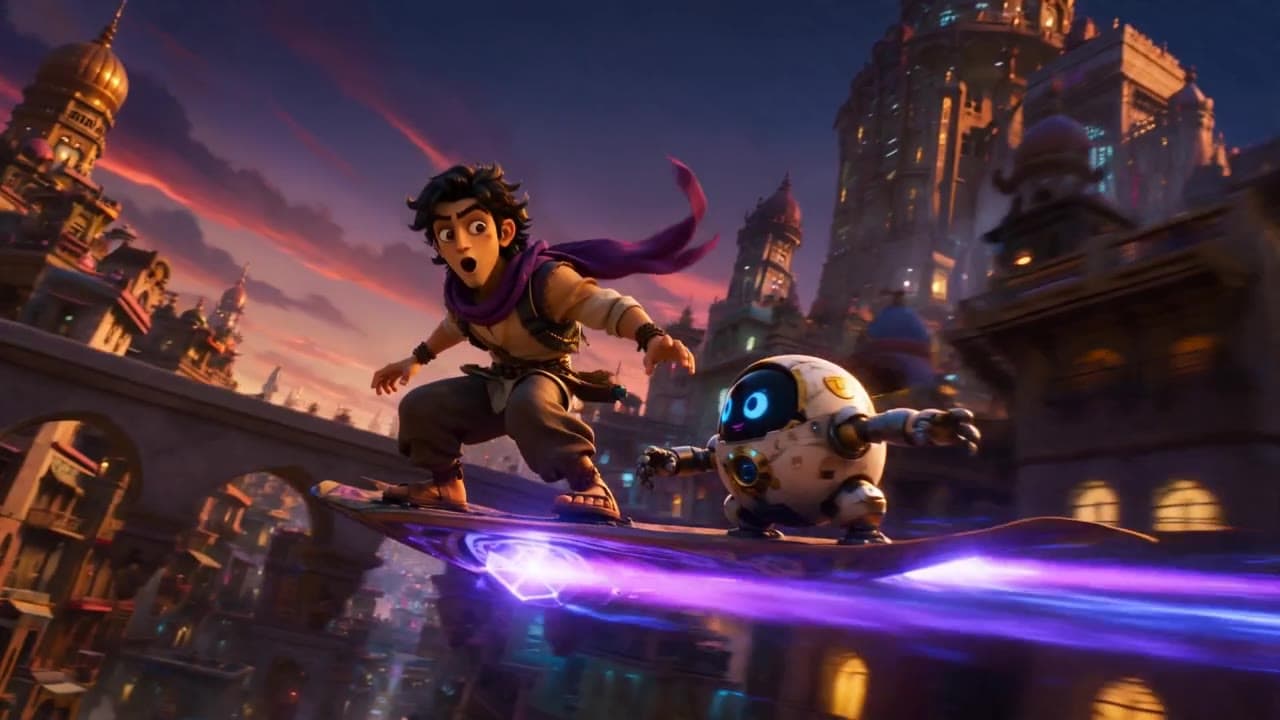 Seedance 2.0
Seedance 2.0 storyboard-to-video 3D animation example
This Seedance 2.0 storyboard-to-video example uses a visual storyboard reference to generate a short 3D animated sequence with multi-prompt scene structure, native audio and dialogue. Use it as a reference for AI animation workflows that need stronger visual continuity than a single text prompt, including character action, scene progression, cinematic staging and animated storytelling.