
LTX 2.3 Pro product ad example: studio
This LTX 2.3 Pro text to video example shows studio. It highlights audio-enabled output with 8-second timing · 16:9 · 1080p output.
Prompt breakdown
Prompt used to generate this render.
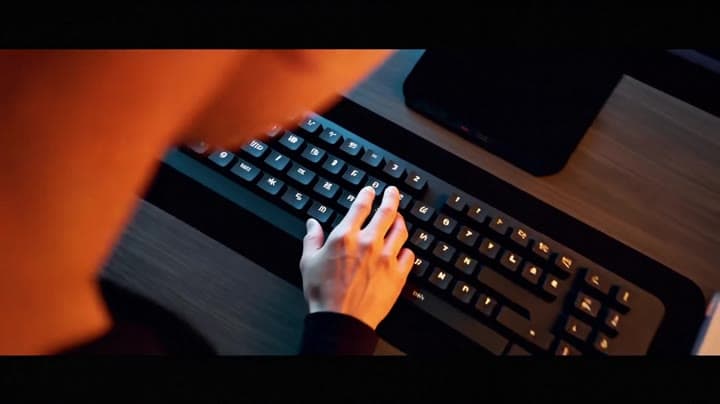
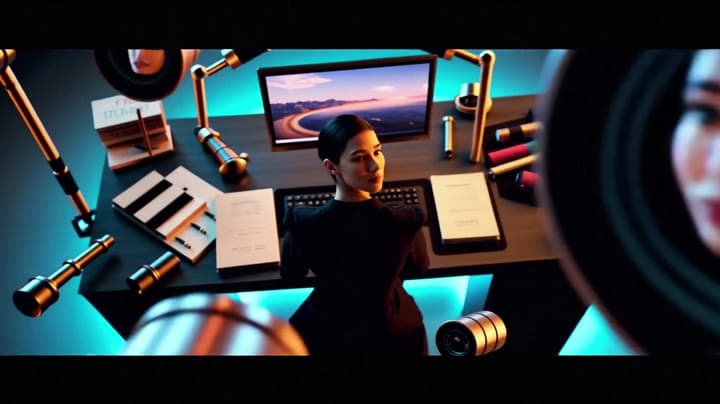
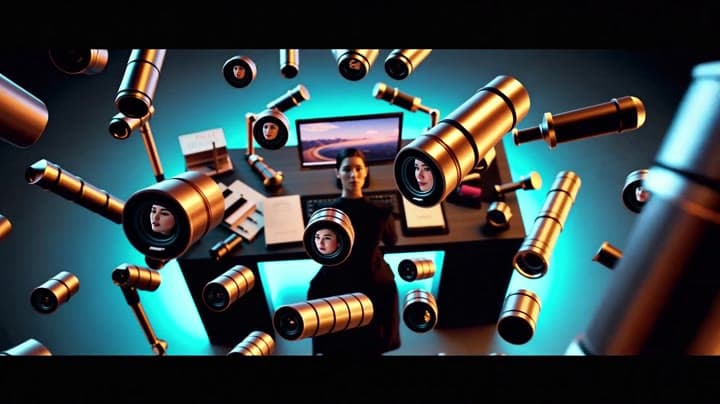
A creator sits alone in a dark minimalist studio facing a blank monitor, then presses a single key and the entire room comes alive in a controlled explosion of creativity: floating camera lenses, microphones, light tube…Show full promptHide full prompt
A creator sits alone in a dark minimalist studio facing a blank monitor, then presses a single key and the entire room comes alive in a controlled explosion of creativity: floating camera lenses, microphones, light tubes, sketchbooks, motion graphics, editing timelines and color swatches orbit around the desk in elegant slow motion, the monitor blooms into a moving horizon of cinematic footage, the creator lifts their eyes and the reflections in their pupils reveal endless scenes being born, the camera starts as a tight over-the-shoulder shot on the keyboard, glides into a smooth 180-degree orbit around the desk, and ends in a wide heroic reveal, glossy black surfaces, razor-sharp metal textures, soft atmospheric haze, volumetric cyan and amber lighting, cinematic depth of field, high-end commercial launch film, emotional, inspiring, premium, made for every kind of creator, subtle rising synth atmosphere and soft studio hum
Workflow
Text to video
Camera
Product Ad
Output
8s · 16:9 · 1080p
Recorded render cost
$0.62
Audio
Enabled
Constraints
Text To Video, Audio Enabled
Prompt improvement notes
Note 1
Keep the subject, camera move, lighting, duration, aspect ratio and audio requirement grouped so the render has one clear production brief.
Note 2
Change one variable at a time when cloning this prompt: model, duration, camera motion or reference input. That makes quality and price differences easier to compare.
Note 3
Add a short negative prompt if you need to block text overlays, logos, distorted hands, face warping or unwanted camera shake.
Note 4
For product shots, keep the product name generic, describe materials and lighting, and avoid adding too many scene changes in one clip.
Compare this model
Review this example beside nearby engines before choosing a render path.
Why LTX 2.3 Pro fits this shot
Use LTX 2.3 Pro on MaxVideoAI for text-to-video, image-to-video, audio-to-video, extend-video and retake-video workflows with official 1080p/1440p/4K and 24/25/48/50 fps options.
Image input
Audio option
20s max
Key frames
Related examples
View all examples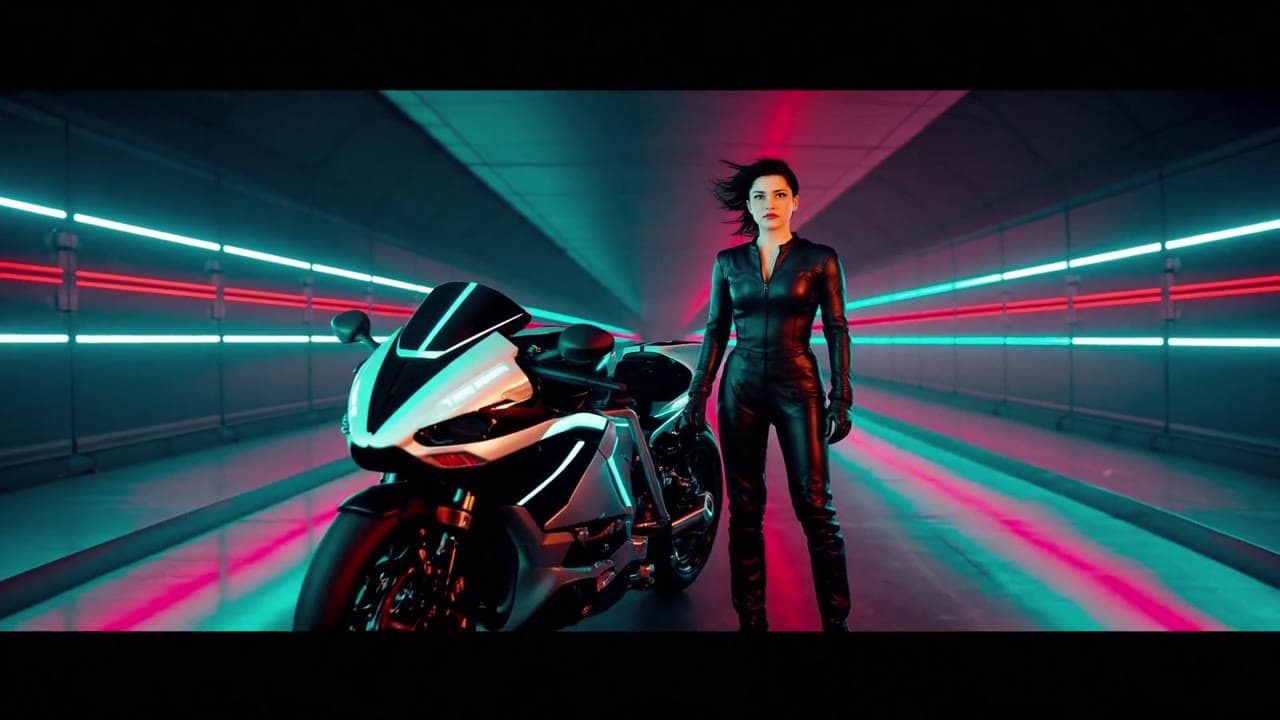 LTX 2.3 Fast
LTX 2.3 Fast neon racer reveal example
This LTX 2.3 Fast example shows a neon racer reveal beside a futuristic motorcycle, testing character motion and product-ad framing.
 LTX 2.3 Pro
LTX 2.3 Pro rooftop lightning fashion shot example
This LTX 2.3 Pro page shows a rooftop fashion prompt with storm lighting, neon city atmosphere and cinematic subject isolation.
 Seedance 2.0
Seedance 2.0 AI SaaS product ad video example
This Seedance 2.0 text-to-video with audio example shows how an AI SaaS or enterprise software product ad can use cinematic control room visuals, glowing monitor walls, polished lighting, and confident pacing to create a premium commercial look. Use it as a reference for startup launch videos, AI platform ads, software promos, and B2B product commercials that need more atmosphere than a basic product demo.
 Google Veo 3.1 Fast
Veo 3.1 Fast living room TV commercial example
This Veo 3.1 Fast watch page shows a bright living-room TV commercial prompt with native audio, controlled staging and a 16:9 ad format.