
LTX Video 2.0 Pro camera movement example: city flythrough
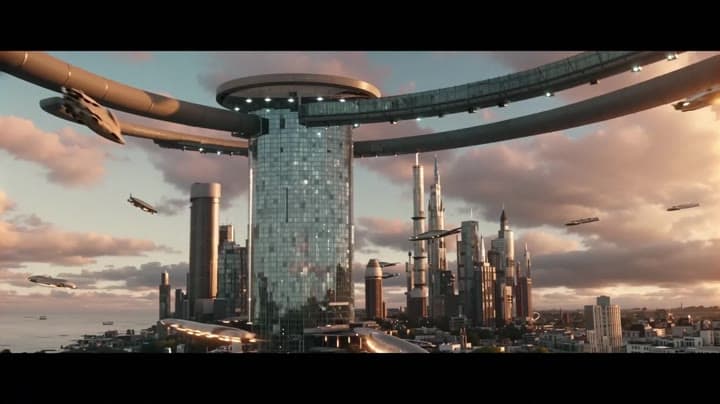
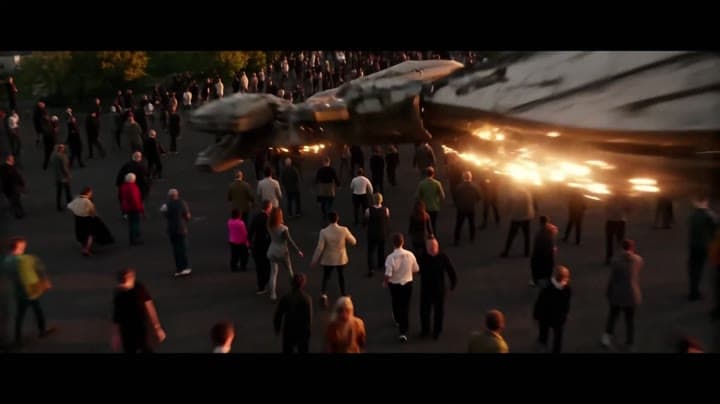
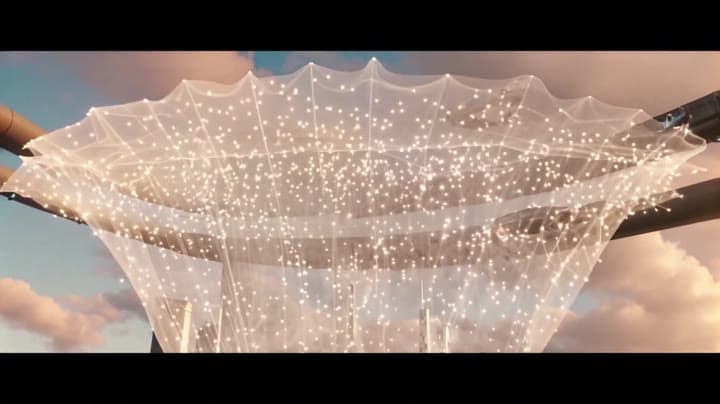
This LTX Video 2.0 Pro text to video example shows city flythrough. It highlights audio-enabled output and camera motion control with 8-second timing · 16:9 output.
Prompt breakdown
Prompt used to generate this render.
10-second 16:9 4K cinematic shot above a futuristic coastal megacity at sunset. The camera starts in a wide aerial view, gliding between glass towers as traffic of flying vehicles streaks past below. In the sky, a massi…Show full promptHide full prompt
10-second 16:9 4K cinematic shot above a futuristic coastal megacity at sunset. The camera starts in a wide aerial view, gliding between glass towers as traffic of flying vehicles streaks past below. In the sky, a massive orbital ring begins to fracture, sending glowing debris burning through the clouds. The camera dives down toward street level, weaving between falling fragments and shocked crowds, then pulls up into a final wide shot of the skyline as a translucent energy shield blooms over the city, freezing the debris in mid-air. Ultra-detailed volumetric clouds, god rays, lens flares and cinematic depth of field. Audio: distant alarm sirens, deep sub-bass rumbles from the orbital ring breaking apart, whooshing debris, and an epic orchestral swell that rises to a hit on the final frame, no dialogue, no on-screen text.
Workflow
Text to video
Camera
Drone
Output
8s · 16:9
Recorded render cost
$0.62
Audio
Enabled
Constraints
Text To Video, Audio Enabled, Drone
Prompt improvement notes
Note 1
Keep the subject, camera move, lighting, duration, aspect ratio and audio requirement grouped so the render has one clear production brief.
Note 2
Change one variable at a time when cloning this prompt: model, duration, camera motion or reference input. That makes quality and price differences easier to compare.
Note 3
Add a short negative prompt if you need to block text overlays, logos, distorted hands, face warping or unwanted camera shake.
Compare this model
Review this example beside nearby engines before choosing a render path.
Why LTX Video 2.0 Pro fits this shot
Create high-fidelity cinematic AI videos with LTX-2 Pro. Text and image to video with synchronized audio, up to 4K and 50 fps, ideal for premium campaigns and production work.
Image input
Audio option
10s max
Key frames
Related examples
View all examples LTX 2.3 Pro
LTX 2.3 Pro rooftop lightning fashion shot example
This LTX 2.3 Pro page shows a rooftop fashion prompt with storm lighting, neon city atmosphere and cinematic subject isolation.
 Kling 3 Pro
Kling 3 Pro futuristic city drone flythrough example
This Kling 3 Pro example demonstrates a futuristic city flythrough with continuous drone-style motion and a seamless interior transition.
 Kling 3 Pro
Kling 3 Pro Mars terraforming sci-fi video example
This Kling 3 Pro watch page shows a 16:9 text-to-video sci-fi terraforming scene on Mars, using a dolly-in, slow orbit and dramatic red-to-green landscape transformation.
 LTX 2.3 Fast
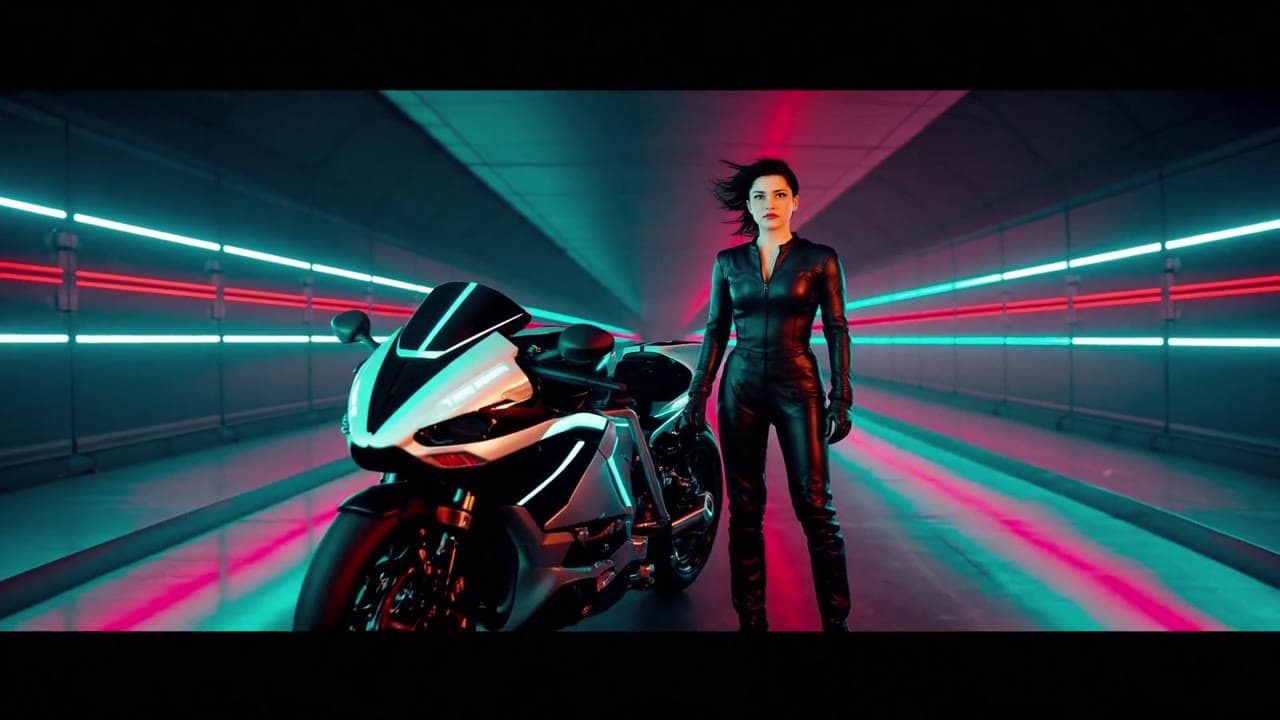
LTX 2.3 Fast neon racer reveal example
This LTX 2.3 Fast example shows a neon racer reveal beside a futuristic motorcycle, testing character motion and product-ad framing.