
Veo 3.1 Lite image-to-video product shot example
This Veo 3.1 Lite draft turns a still product image into a short 16:9 cinematic shot with smooth movement and realistic lighting. The prompt needs more detail before approval.
Prompt breakdown
Prompt used to generate this render.
Workflow
Image to video
Camera
Image To Video
Output
4s · 16:9 · 720p
Recorded render cost
$0.26
Audio
Enabled
Constraints
Image To Video, Audio Enabled, Reference Image
Reference image
Provided
Prompt improvement notes
Note 1
Keep the subject, camera move, lighting, duration, aspect ratio and audio requirement grouped so the render has one clear production brief.
Note 2
Change one variable at a time when cloning this prompt: model, duration, camera motion or reference input. That makes quality and price differences easier to compare.
Note 3
Add a short negative prompt if you need to block text overlays, logos, distorted hands, face warping or unwanted camera shake.
Compare this model
Review this example beside nearby engines before choosing a render path.
Why Google Veo 3.1 Lite fits this shot
Veo 3.1 Lite keeps the same unified Veo flow for prompts, start-image animation, and first/last transitions at a lower cost with audio always on.
Text prompts
First/Last
Audio always on
Key frames
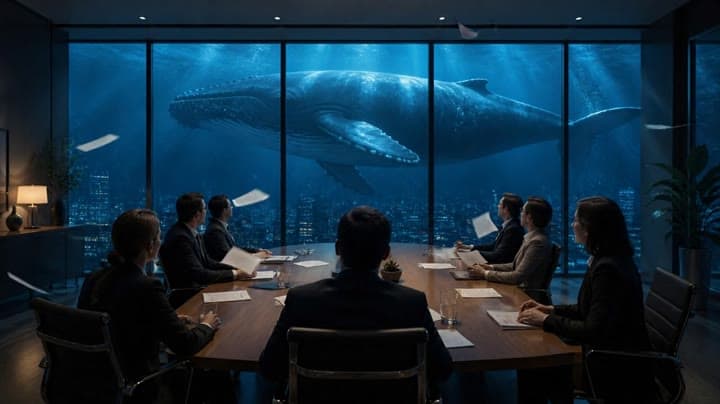
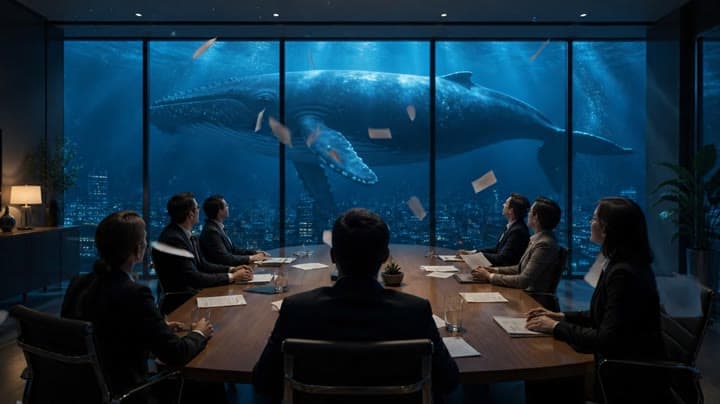
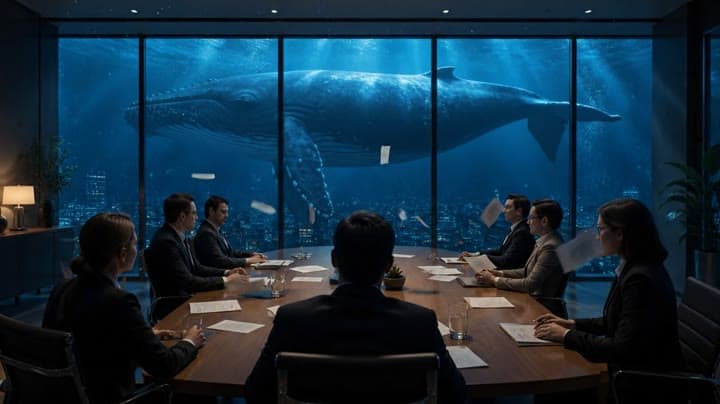
Related examples
View all examples LTX 2.3 Pro
LTX 2.3 Pro anime sword attack image-to-video example
This LTX 2.3 Pro draft uses a first-frame image to animate an anime sword attack with water effects, forward camera motion, sharp character detail and 16:9 framing.
 LTX 2.3 Pro
LTX 2.3 Pro office image-to-video transition example
This LTX 2.3 Pro example uses image-to-video controls to preserve a scene across a directed office transition with strong frame continuity.
 Google Veo 3.1 Lite
Veo 3.1 Lite romantic train station reunion example
This Veo 3.1 Lite watch page shows an 8-second text-to-video period-drama reunion on a train station platform, with crane camera motion, warm sepia lighting and a clear romantic action.
 Google Veo 3.1 Fast
Google Veo 3.1 Fast product ad example: futuristic street dancer with glowing
Google Veo 3.1 Fast product-ad example (text-to-video + audio): futuristic street dancer with glowing neon, plus stable video/thumbnail and related Veo examples.