
Luma Ray 3.2 image-to-video example: studio
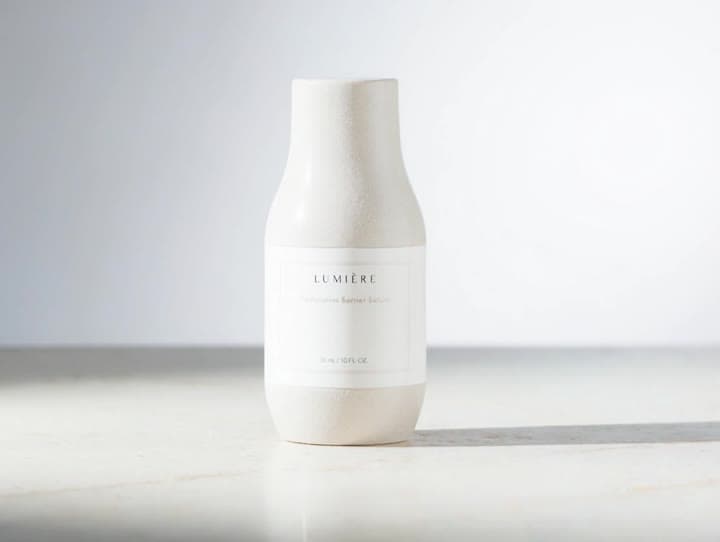
This Luma Ray 3.2 image to video example shows studio. It shows how Luma Ray 3.2 handles this prompt with 5-second timing · 4:3 · 720p output.
Prompt breakdown
Prompt used to generate this render.
Workflow
Image to video
Camera
Image To Video
Output
5s · 4:3 · 720p
Recorded render cost
$1.30
Audio
Off
Constraints
Image To Video, Reference Image
Reference image
Provided
Prompt improvement notes
Note 1
Keep the subject, camera move, lighting, duration, aspect ratio and audio requirement grouped so the render has one clear production brief.
Note 2
Change one variable at a time when cloning this prompt: model, duration, camera motion or reference input. That makes quality and price differences easier to compare.
Note 3
Add a short negative prompt if you need to block text overlays, logos, distorted hands, face warping or unwanted camera shake.
Compare this model
Review this example beside nearby engines before choosing a render path.
Why Luma Ray 3.2 fits this shot
Use Luma Ray 3.2 in MaxVideoAI for source-video Modify, AI video Reframe, guide/keyframe controls, and supporting text-to-video or image-to-video tests.
Image input
Motion controls
30s max
Key frames


Related examples
View all examples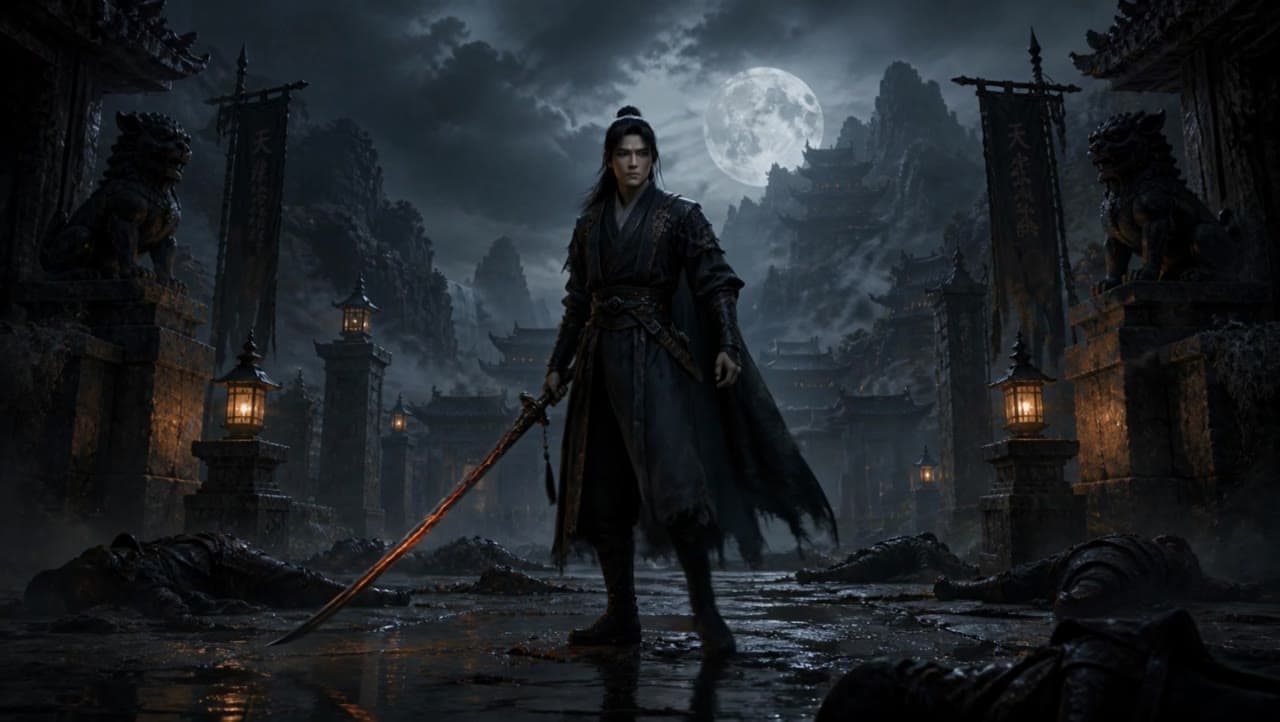 Kling 3 Pro
Kling 3 Pro dark warrior red katana example
This Kling 3 Pro draft animates a dark warrior reference image into a 16:9 red-katana temple scene with five camera beats, fog, moonlight and audio.
 Kling 3 Standard
Kling 3 Standard image to video example for a multi-shot product ad
This Kling 3 Standard image-to-video example shows how a visual reference can be turned into a multi-shot product ad with cinematic camera movement, sci-fi orbital staging, audio, and commercial pacing. Use it as a reference for AI product commercials, futuristic brand films, launch videos, and image-to-video workflows that need more structure than a single animated shot.
 LTX 2.3 Pro
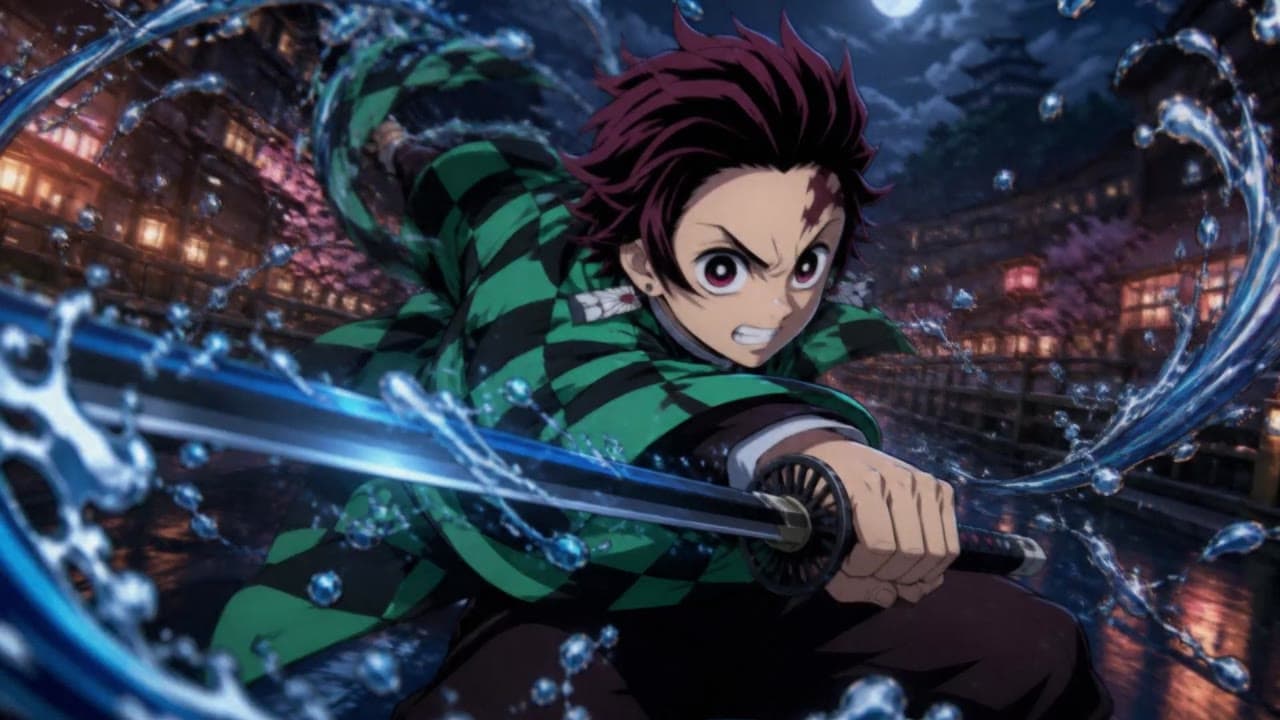
LTX 2.3 Pro anime sword attack image-to-video example
This LTX 2.3 Pro draft uses a first-frame image to animate an anime sword attack with water effects, forward camera motion, sharp character detail and 16:9 framing.
 LTX 2.3 Pro
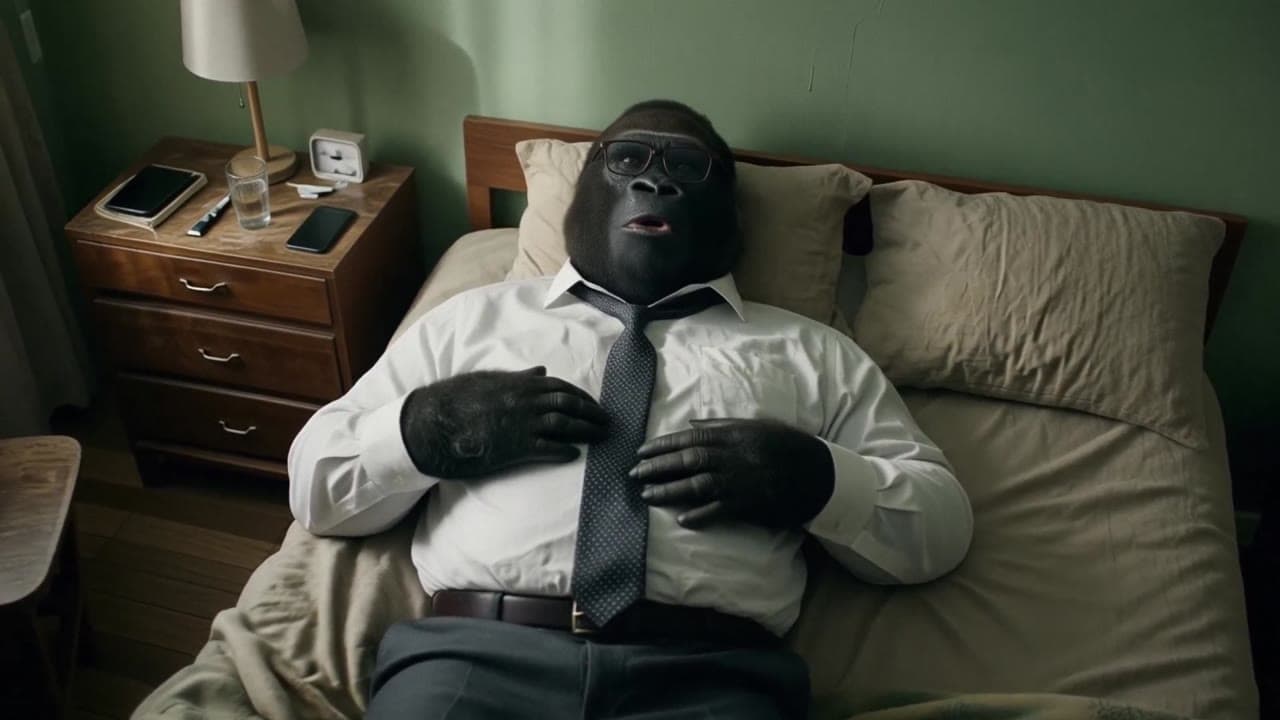
LTX 2.3 Pro office image-to-video transition example
This LTX 2.3 Pro example uses image-to-video controls to preserve a scene across a directed office transition with strong frame continuity.