
LTX 2.3 Pro anime sword attack image-to-video example
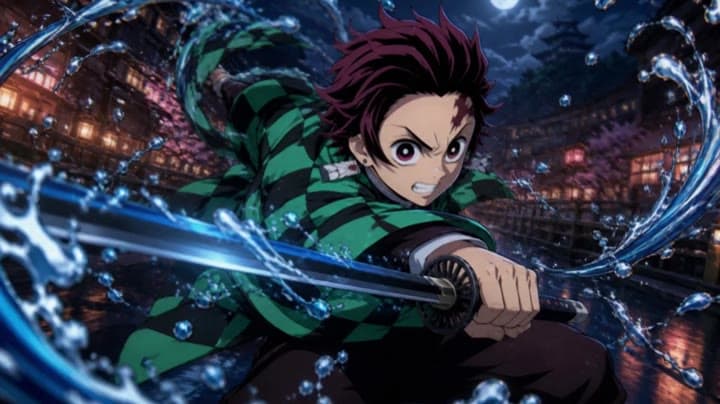
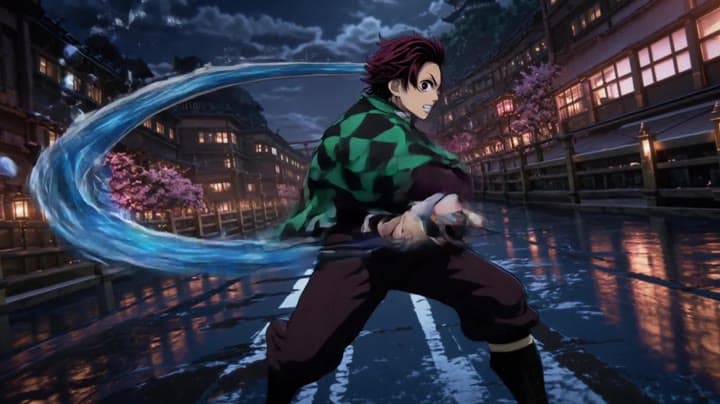
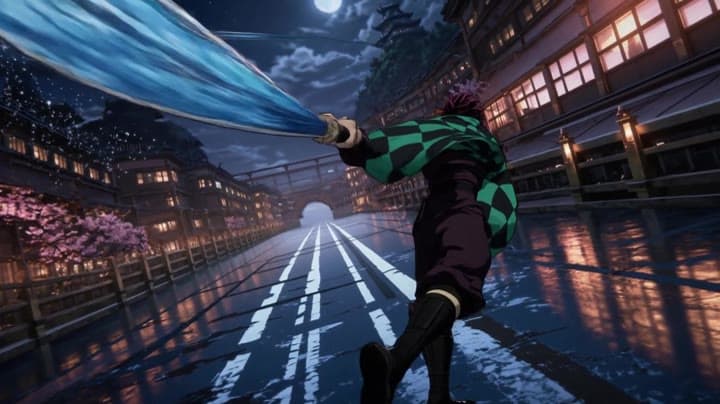
This LTX 2.3 Pro draft uses a first-frame image to animate an anime sword attack with water effects, forward camera motion, sharp character detail and 16:9 framing.
Prompt breakdown
Prompt used to generate this render.
Use the provided image as the exact first frame. The character continues his sword attack in a fast, dynamic motion. Water effects swirl and expand around the blade, following the movement. The camera performs a slight…Show full promptHide full prompt
Use the provided image as the exact first frame. The character continues his sword attack in a fast, dynamic motion. Water effects swirl and expand around the blade, following the movement. The camera performs a slight forward push combined with a subtle rotation to enhance intensity. Add motion blur on fast movements while keeping the character sharp. Cinematic anime lighting, high energy, 16:9
Workflow
Image to video
Camera
Image To Video
Output
8s · 16:9 · 1080p
Recorded render cost
$0.63
Audio
Enabled
Constraints
Image To Video, Audio Enabled, Reference Image
Reference image
Provided
Prompt improvement notes
Note 1
Keep the subject, camera move, lighting, duration, aspect ratio and audio requirement grouped so the render has one clear production brief.
Note 2
Change one variable at a time when cloning this prompt: model, duration, camera motion or reference input. That makes quality and price differences easier to compare.
Note 3
Add a short negative prompt if you need to block text overlays, logos, distorted hands, face warping or unwanted camera shake.
Why LTX 2.3 Pro fits this shot
Use LTX 2.3 Pro on MaxVideoAI for text-to-video, image-to-video, audio-to-video, extend-video and retake-video workflows with official 1080p/1440p/4K and 24/25/48/50 fps options.
Image input
Audio option
20s max
Key frames
Related examples
View all examples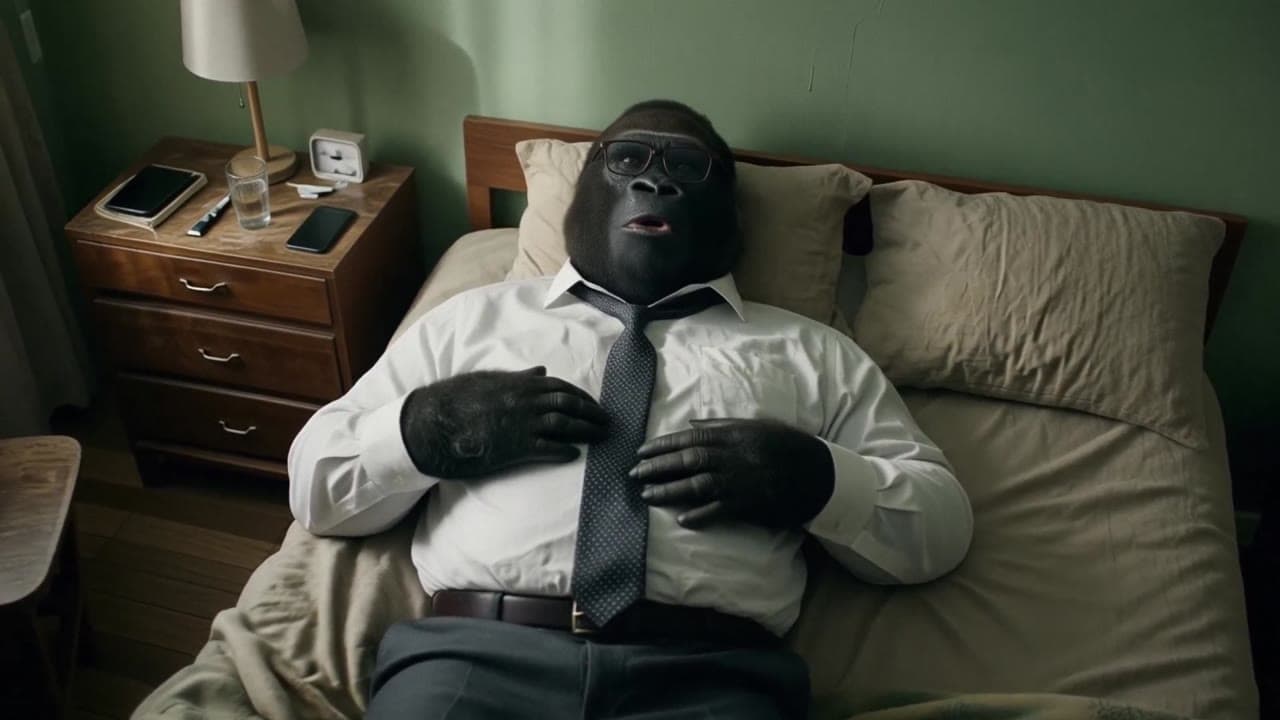 LTX 2.3 Pro
LTX 2.3 Pro office image-to-video transition example
This LTX 2.3 Pro example uses image-to-video controls to preserve a scene across a directed office transition with strong frame continuity.
 Kling 3 Pro
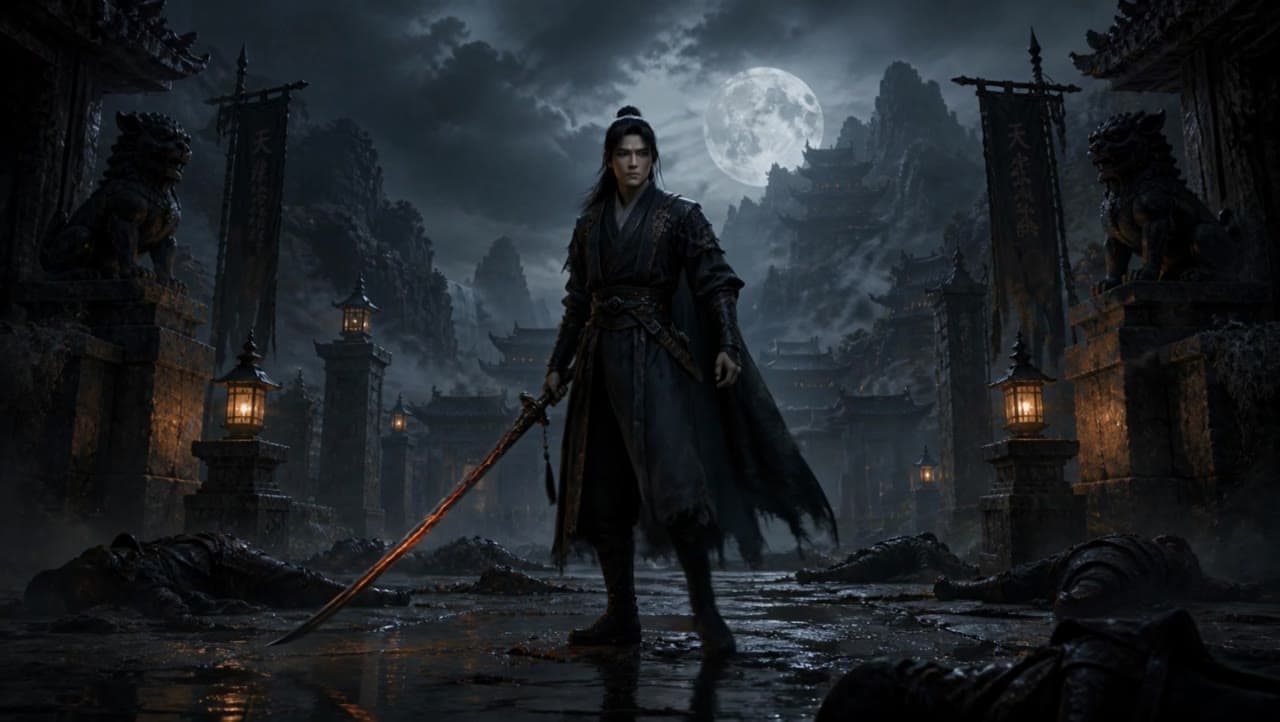
Kling 3 Pro dark warrior red katana example
This Kling 3 Pro draft animates a dark warrior reference image into a 16:9 red-katana temple scene with five camera beats, fog, moonlight and audio.
 Kling 3 Standard
Kling 3 Standard image to video example for a multi-shot product ad
This Kling 3 Standard image-to-video example shows how a visual reference can be turned into a multi-shot product ad with cinematic camera movement, sci-fi orbital staging, audio, and commercial pacing. Use it as a reference for AI product commercials, futuristic brand films, launch videos, and image-to-video workflows that need more structure than a single animated shot.
 Seedance 2.0 Fast
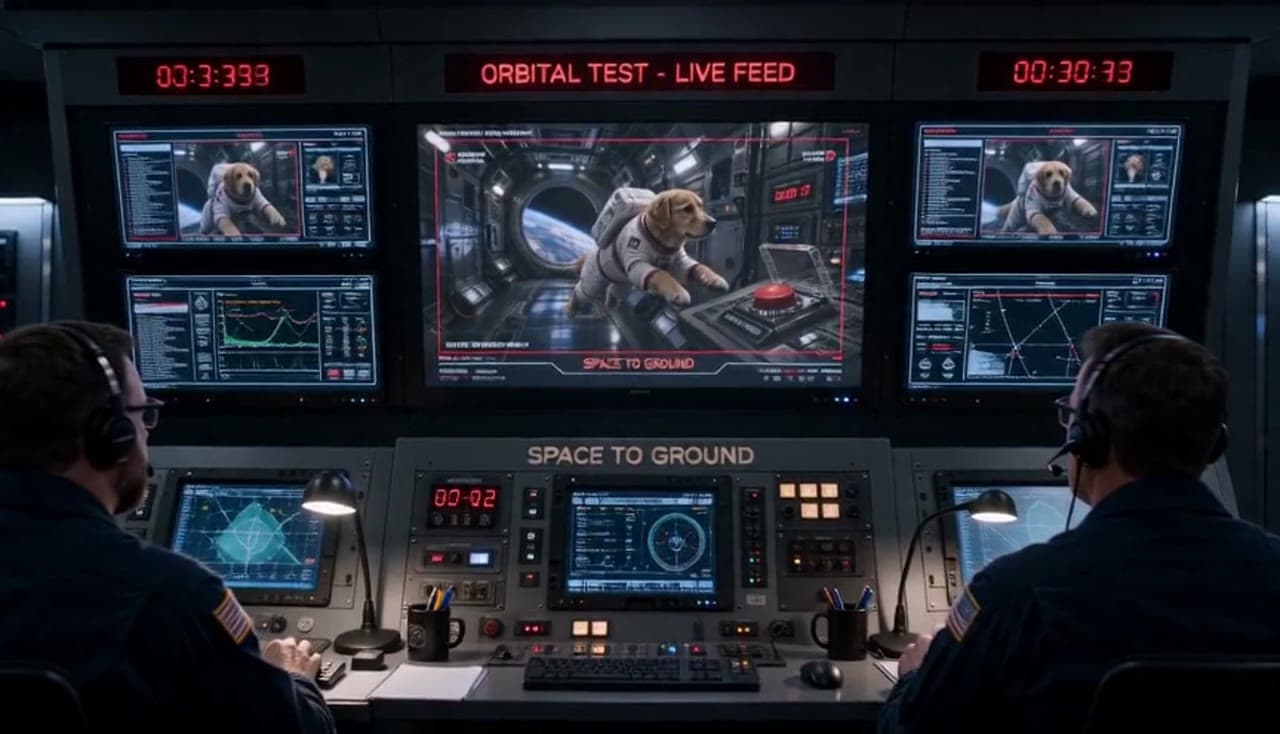
Seedance 2.0 Fast space dog red button example
This Seedance 2.0 Fast draft uses a start image to build a 16:9 space-station scene where a suited dog drifts toward a red button while mission control reacts.