
Gemini Omni Flash audio-enabled video example: city
This Gemini Omni Flash text to video example shows city. It highlights audio-enabled output with 10-second timing · 16:9 · 720p output.
Prompt breakdown
Prompt used to generate this render.
Rain-lit train platform in a fictional near-future city at night. A young composer carrying a small keyboard and an elderly station attendant notice glowing musical notes rising from puddles as a sleek silent train arri…Show full promptHide full prompt
Rain-lit train platform in a fictional near-future city at night. A young composer carrying a small keyboard and an elderly station attendant notice glowing musical notes rising from puddles as a sleek silent train arrives. They exchange a surprised smile while the platform lights pulse softly with the music. Premium cinematic realism, expressive faces, wet reflections, no readable signage or logos.
Workflow
Text to video
Camera
Audio Enabled
Output
10s · 16:9 · 720p
Recorded render cost
$1.23
Audio
Enabled
Constraints
Text To Video, Audio Enabled
Prompt improvement notes
Note 1
Keep the subject, camera move, lighting, duration, aspect ratio and audio requirement grouped so the render has one clear production brief.
Note 2
Change one variable at a time when cloning this prompt: model, duration, camera motion or reference input. That makes quality and price differences easier to compare.
Note 3
Add a short negative prompt if you need to block text overlays, logos, distorted hands, face warping or unwanted camera shake.
Compare this model
Review this example beside nearby engines before choosing a render path.
Why Gemini Omni Flash fits this shot
Use Gemini Omni Flash on MaxVideoAI for 720p text-to-video, image-to-video, reference-to-video, video editing, and conversational refine workflows through Google Vertex AI.
Image input
Audio option
10s max
Key frames
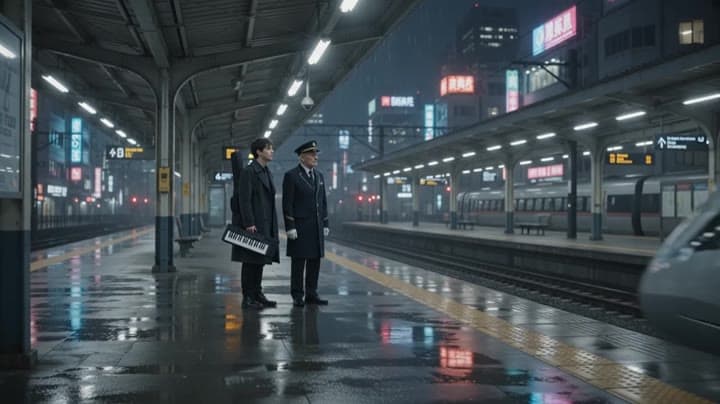
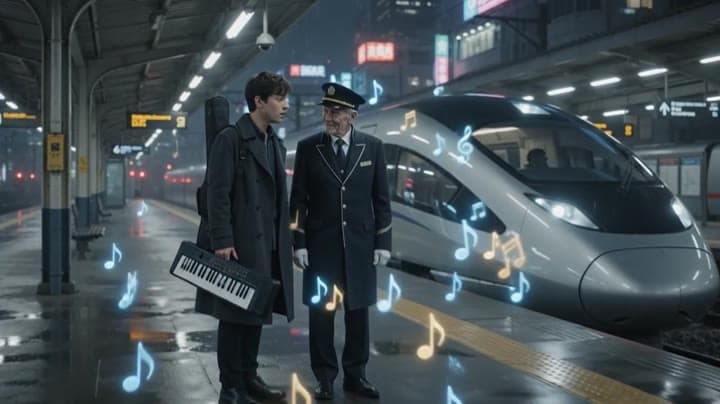
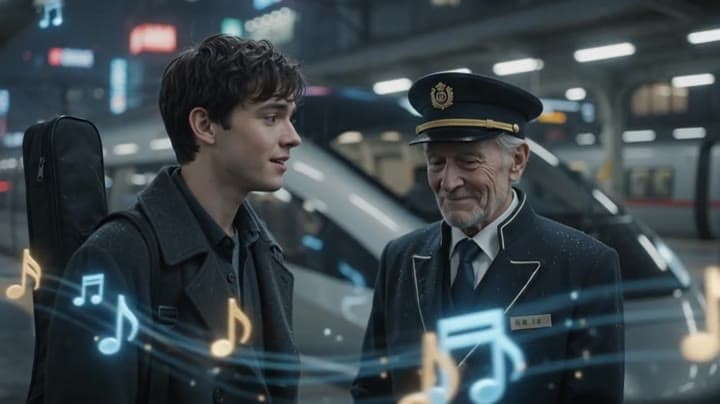
Related examples
View all examples Google Veo 3.1 Fast
Google Veo 3.1 Fast product ad example: futuristic street dancer with glowing
Google Veo 3.1 Fast product-ad example (text-to-video + audio): futuristic street dancer with glowing neon, plus stable video/thumbnail and related Veo examples.
 Google Veo 3.1 Fast
Veo 3.1 Fast FPV apartment commercial example
This Veo 3.1 Fast example uses an FPV-style camera move to reveal a staged apartment commercial with sound and polished lighting.
 LTX 2.3 Pro
LTX 2.3 Pro rooftop lightning fashion shot example
This LTX 2.3 Pro page shows a rooftop fashion prompt with storm lighting, neon city atmosphere and cinematic subject isolation.
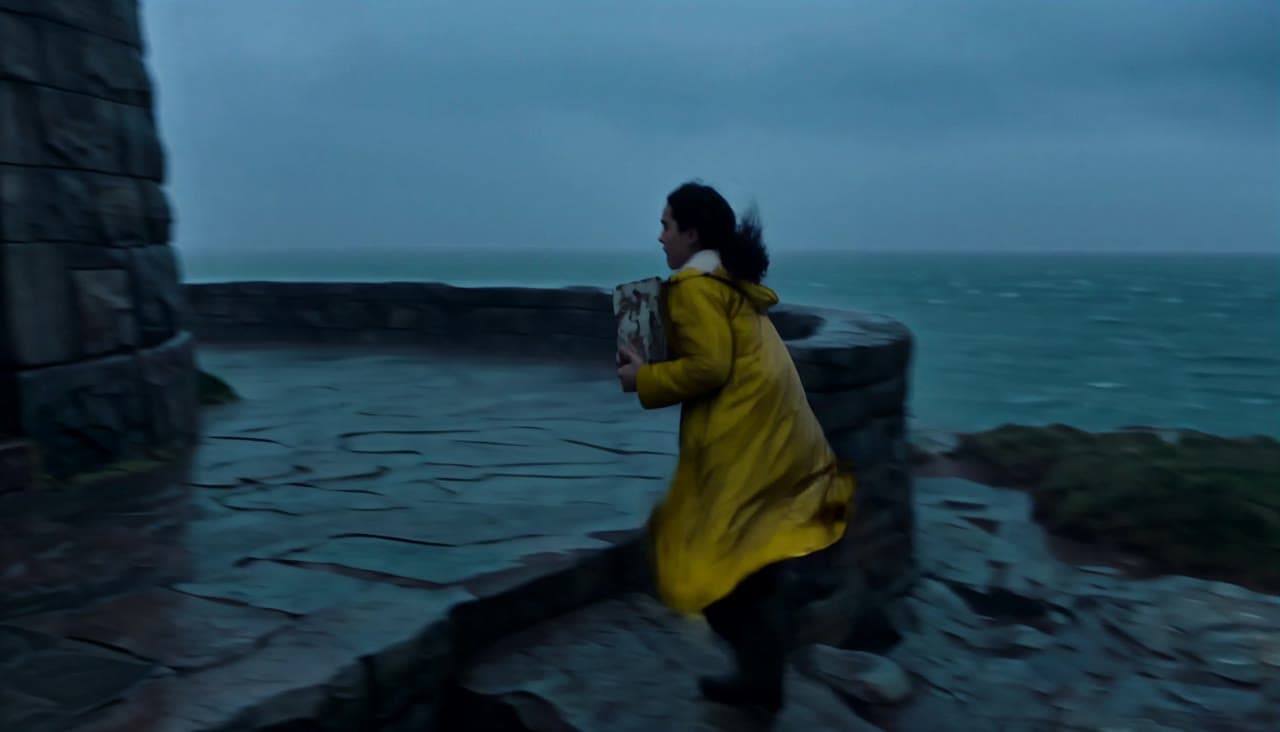 MiniMax H3
MiniMax H3 lighthouse keeper rescue video with native audio
This MiniMax H3 text-to-video example follows Elara through a storm as she relights a lighthouse, speaks in the lantern room and guides a lifeboat home across four connected shots.