
Luma Ray 2 camera movement example: **Scene plain language ** A glass
This Luma Ray 2 text to video example shows **Scene plain language ** A glass. It highlights camera motion control with 5-second timing · 16:9 · 720p output.
Prompt breakdown
Prompt used to generate this render.
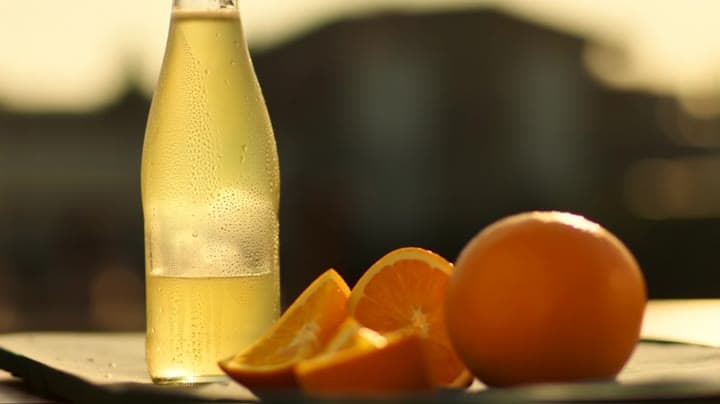
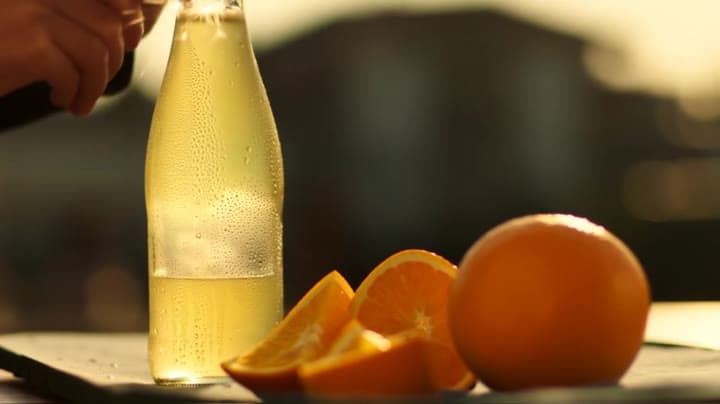
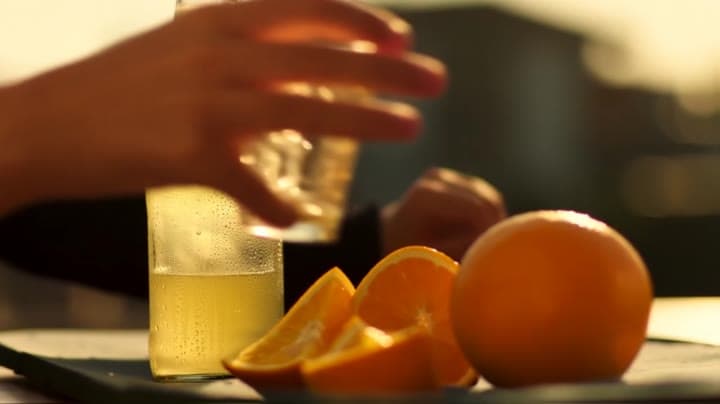
**Scene (plain language):** A glass bottle of sparkling citrus drink sits on a sunlit outdoor café table in late afternoon. Condensation runs down the bottle while slices of orange and ice catch the light. Distinctive v…Show full promptHide full prompt
**Scene (plain language):** A glass bottle of sparkling citrus drink sits on a sunlit outdoor café table in late afternoon. Condensation runs down the bottle while slices of orange and ice catch the light. Distinctive visual anchors: striped café umbrella shadow, bright glass reflections, warm summer bokeh in the background. **Cinematography:** * Camera shot: close-up, table-level angle * Camera motion: slow push-in * Lens look + depth of field: 50mm macro feel, shallow DOF * Lighting + palette: golden late-afternoon sun, amber highlights, crisp white sparkle, fresh citrus tones **Actions (beats):** * Beat 1: bubbles rise rapidly inside the bottle as condensation drips * Beat 2: a hand enters frame and gently turns the bottle toward camera * Beat 3: in the final second, a bright sparkle flashes across the glass and the hand exits frame **Constraints:** No logos, no readable text, no subtitles/overlays.
Workflow
Text to video
Camera
Push In, Close Up
Output
5s · 16:9 · 720p
Recorded render cost
$1.30
Audio
Off
Constraints
Text To Video, Camera Move, Push In
Prompt improvement notes
Note 1
Keep the subject, camera move, lighting, duration, aspect ratio and audio requirement grouped so the render has one clear production brief.
Note 2
Change one variable at a time when cloning this prompt: model, duration, camera motion or reference input. That makes quality and price differences easier to compare.
Note 3
Add a short negative prompt if you need to block text overlays, logos, distorted hands, face warping or unwanted camera shake.
Compare this model
Review this example beside nearby engines before choosing a render path.
Why Luma Ray 2 fits this shot
Use Luma Ray 2 as a previous-generation Luma route for legacy text-to-video, image-to-video, modify, and reframe workflows, while starting new Luma edit work on Ray 3.2.
Image input
9s max
Key frames
Related examples
View all examples Kling 3 Pro
Kling 3 Pro neon street multi-shot example
This Kling 3 Pro example demonstrates a multi-shot neon street sequence with rain reflections, native audio and structured scene anchors.
 Kling 3 Standard
Kling 3 Standard rainy neon street multi-shot example
This Kling 3 Standard page shows a rainy neon street prompt with multi-shot structure, audio-enabled pacing and cinematic reflections.
 Google Veo 3.1 Fast
Veo 3.1 Fast studio interview push-in example
This Veo 3.1 Fast watch page shows a studio interview prompt with a controlled push-in camera move, native audio and documentary-style staging.
 Wan 2.6 Text & Image to Video
Wan 2.6 rainy neon thriller sequence example
This Wan 2.6 page shows a rainy neon thriller prompt with multi-shot direction, smooth camera work and audio-enabled pacing.