
MiniMax H3 wildfire lookout rescue video with native audio
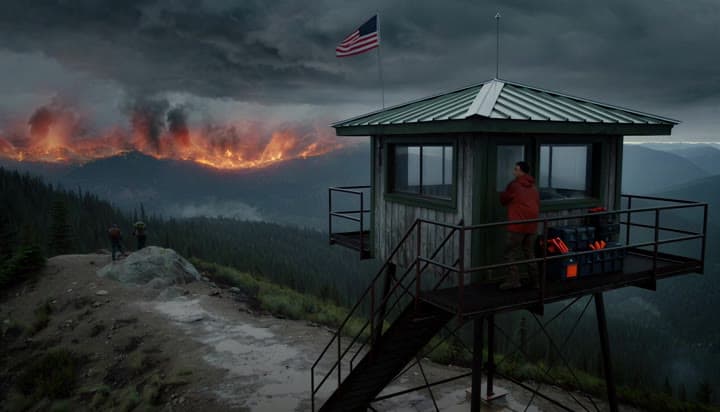
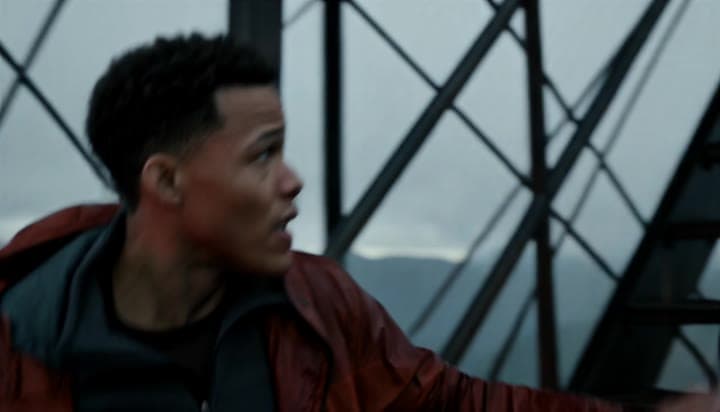
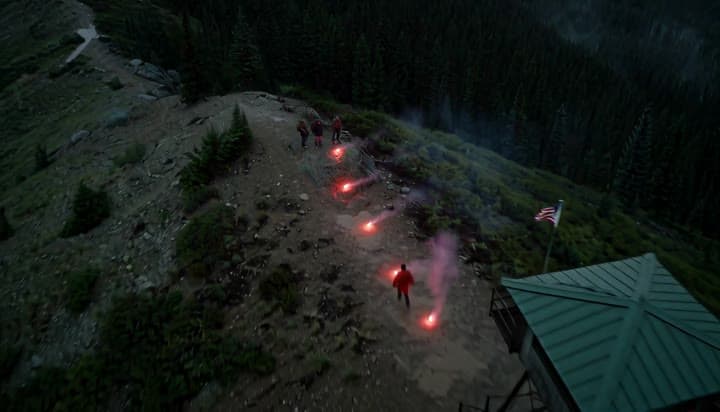
This MiniMax H3 text-to-video example follows Lio from a mountain lookout tower to a flare-lit rescue trail, preserving character identity across four connected shots with dialogue and native stereo sound.
Prompt breakdown
Prompt used to generate this render.
Cinematic photorealistic rescue thriller, 15 seconds, 16:9. Original fictional character: Lio, a 31-year-old wildfire lookout with copper-brown skin, close-cropped dark curls, a weathered rust-red field jacket over a ch…Show full promptHide full prompt
Cinematic photorealistic rescue thriller, 15 seconds, 16:9. Original fictional character: Lio, a 31-year-old wildfire lookout with copper-brown skin, close-cropped dark curls, a weathered rust-red field jacket over a charcoal thermal, dark utility trousers and hiking boots. Keep Lio's face, wardrobe and proportions identical throughout. Shot 1: dusk outside a mountain lookout tower beneath an electrical storm, distant wildfire glow. Wide crane down as Lio spots stranded hikers on a ridge, grabs emergency flares and runs for the stairs. Shot 2: medium close follow through the tower and down wet metal stairs, accurate foot contact, jacket and rain moving naturally, breath visible. Shot 3: on the ridge, Lio plants two red rescue flares in wet ground; the camera orbits from a focused face to the growing flare corridor. Lio says clearly with natural lip sync: "Trail three, follow the red lights. I'm coming down." Shot 4: aerial pullback reveals the hikers turning toward the red flare path while Lio runs down the ridge to meet them. Native stereo sound only: thunder, hard wind, rain on steel, boots, strained breath, two flare ignitions, the exact spoken line and distant fire. No music, subtitles, on-screen text, logos, watermarks, beauty-ad framing or product packshot. Restrained cinematic contrast, coherent hands, realistic body mechanics and continuous geography.
Workflow
Text to video
Camera
Drone
Output
15s · 159:91 · 2K
Recorded render cost
$2.54
Audio
Enabled
Constraints
Text To Video, Multi Shot, Native Audio
Prompt improvement notes
Note 1
Keep the subject, camera move, lighting, duration, aspect ratio and audio requirement grouped so the render has one clear production brief.
Note 2
Change one variable at a time when cloning this prompt: model, duration, camera motion or reference input. That makes quality and price differences easier to compare.
Note 3
Add a short negative prompt if you need to block text overlays, logos, distorted hands, face warping or unwanted camera shake.
Note 4
For multi-shot prompts, keep each beat short and give every cut a clear start state, camera direction and landing frame.
Compare this model
Review this example beside nearby engines before choosing a render path.
Why MiniMax H3 fits this shot
Create 5–15 second character-led videos from text, images, video, and audio references with MiniMax H3 in MaxVideoAI.
Image input
Audio option
15s max
Key frames
Related examples
View all examples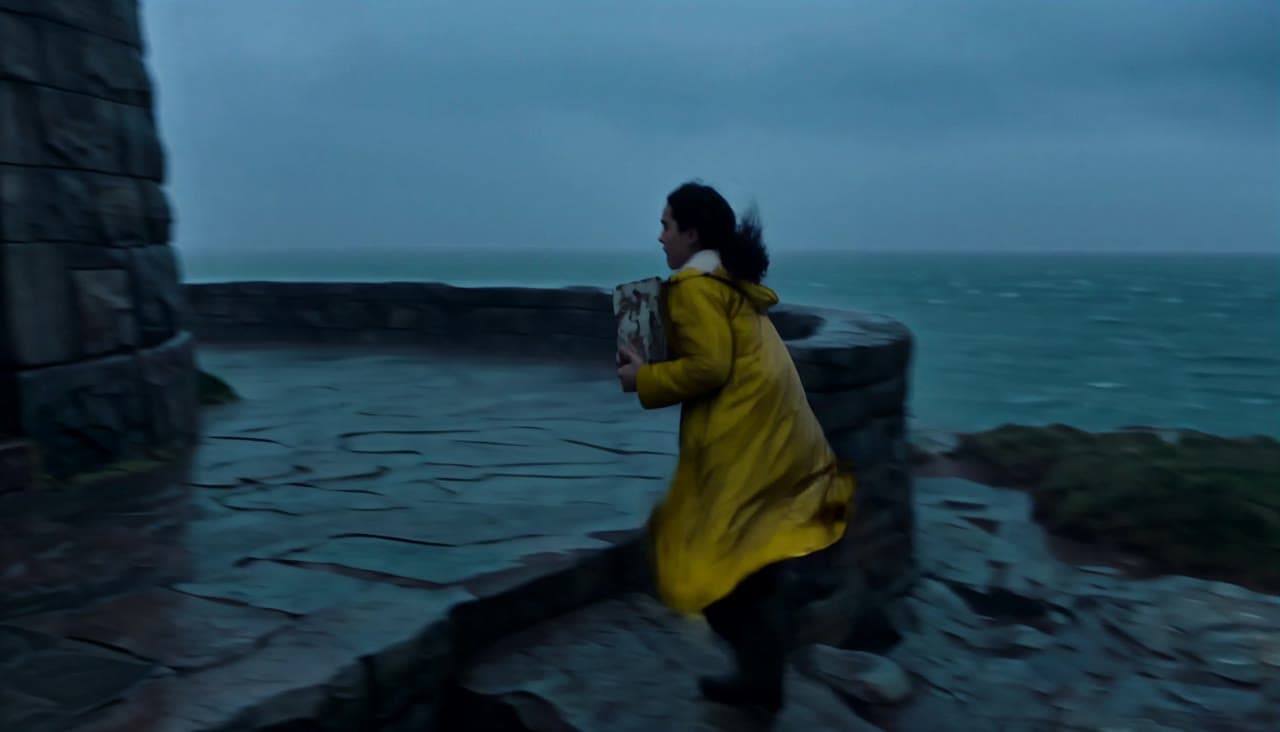 MiniMax H3
MiniMax H3 lighthouse keeper rescue video with native audio
This MiniMax H3 text-to-video example follows Elara through a storm as she relights a lighthouse, speaks in the lantern room and guides a lifeboat home across four connected shots.
 LTX 2.3 Pro
LTX 2.3 Pro rooftop lightning fashion shot example
This LTX 2.3 Pro page shows a rooftop fashion prompt with storm lighting, neon city atmosphere and cinematic subject isolation.
 Wan 2.5 Text & Image to Video
Wan 2.5 vertical spy-to-Zoom comedy video example
This Wan 2.5 watch page shows a vertical comedy prompt that opens like a spy action scene and ends with a Zoom-call reveal.
 OpenAI Sora 2
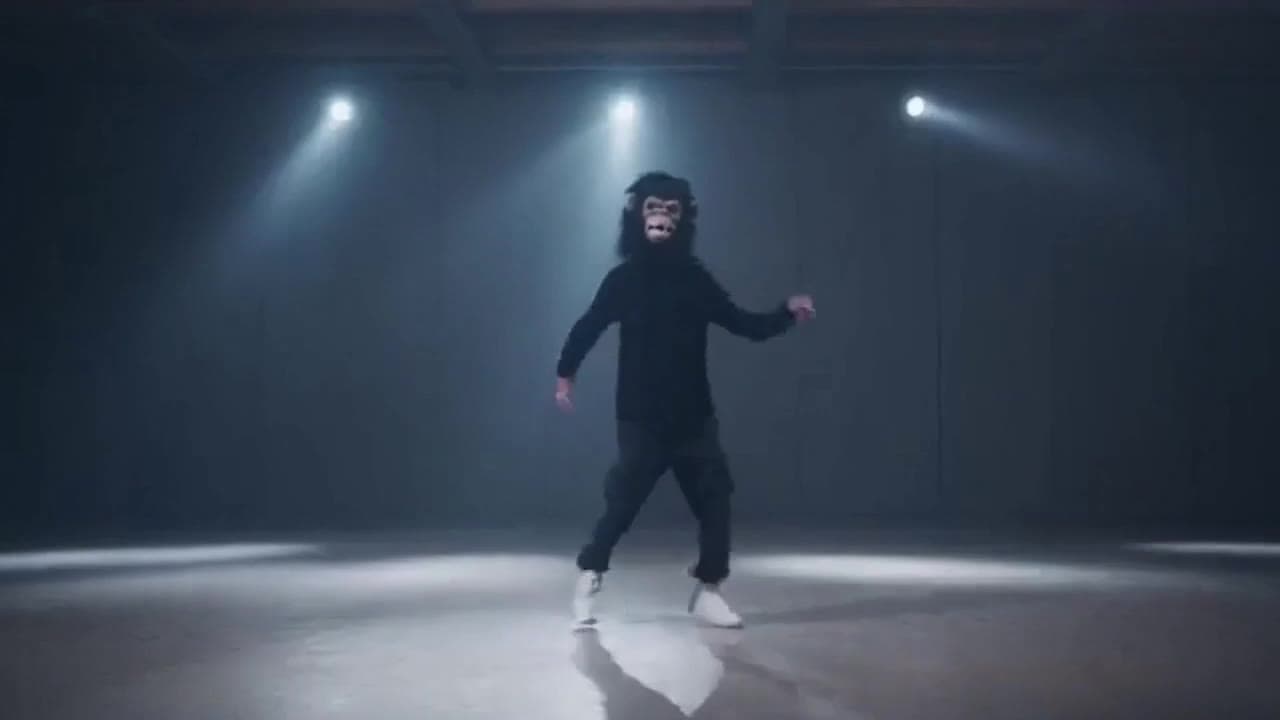
Sora 2 gorilla dance video example with strobe lighting
This Sora 2 watch page shows a gorilla-mask dance prompt rendered with strobe lighting, changing camera angles, native audio and a 16:9 output.