
Happy Horse 1.0 audio-enabled video example: portrait
This Happy Horse 1.0 text to video example shows portrait. It highlights audio-enabled output with 10-second timing · 16:9 · 720p output.
Prompt breakdown
Prompt used to generate this render.
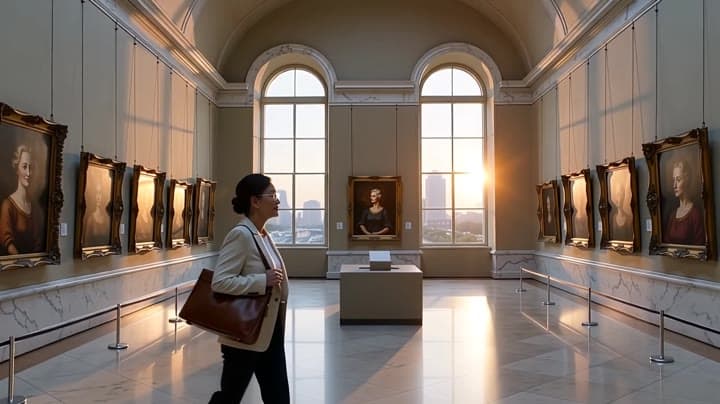
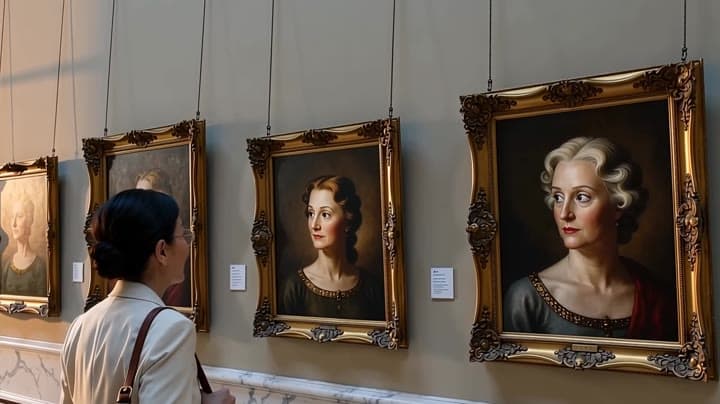
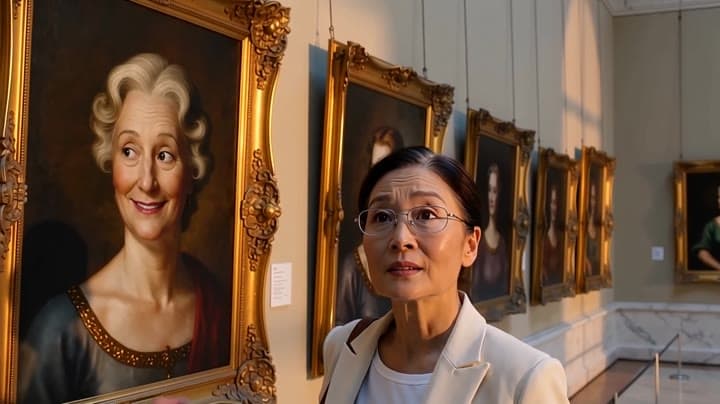
A museum curator walks through a dawn-lit portrait gallery as painted faces come alive and change expressions. Smooth dolly camera, marble reflections, soft dust, surreal realistic atmosphere, cinematic lighting, 15 sec…Show full promptHide full prompt
A museum curator walks through a dawn-lit portrait gallery as painted faces come alive and change expressions. Smooth dolly camera, marble reflections, soft dust, surreal realistic atmosphere, cinematic lighting, 15 seconds, 16:9.
Workflow
Text to video
Camera
Audio Enabled
Output
10s · 16:9 · 720p
Recorded render cost
$1.82
Audio
Enabled
Constraints
Text To Video, Audio Enabled
Prompt improvement notes
Note 1
Keep the subject, camera move, lighting, duration, aspect ratio and audio requirement grouped so the render has one clear production brief.
Note 2
Change one variable at a time when cloning this prompt: model, duration, camera motion or reference input. That makes quality and price differences easier to compare.
Note 3
Add a short negative prompt if you need to block text overlays, logos, distorted hands, face warping or unwanted camera shake.
Compare this model
Review this example beside nearby engines before choosing a render path.
Why Happy Horse 1.0 fits this shot
Use Happy Horse 1.0 on MaxVideoAI as the legacy Alibaba video-edit route while new text, image, and reference workflows move to Happy Horse 1.1.
Image input
Audio option
Motion controls
Key frames
Related examples
View all examples LTX 2.3 Pro
LTX 2.3 Pro rooftop lightning fashion shot example
This LTX 2.3 Pro page shows a rooftop fashion prompt with storm lighting, neon city atmosphere and cinematic subject isolation.
 MiniMax H3
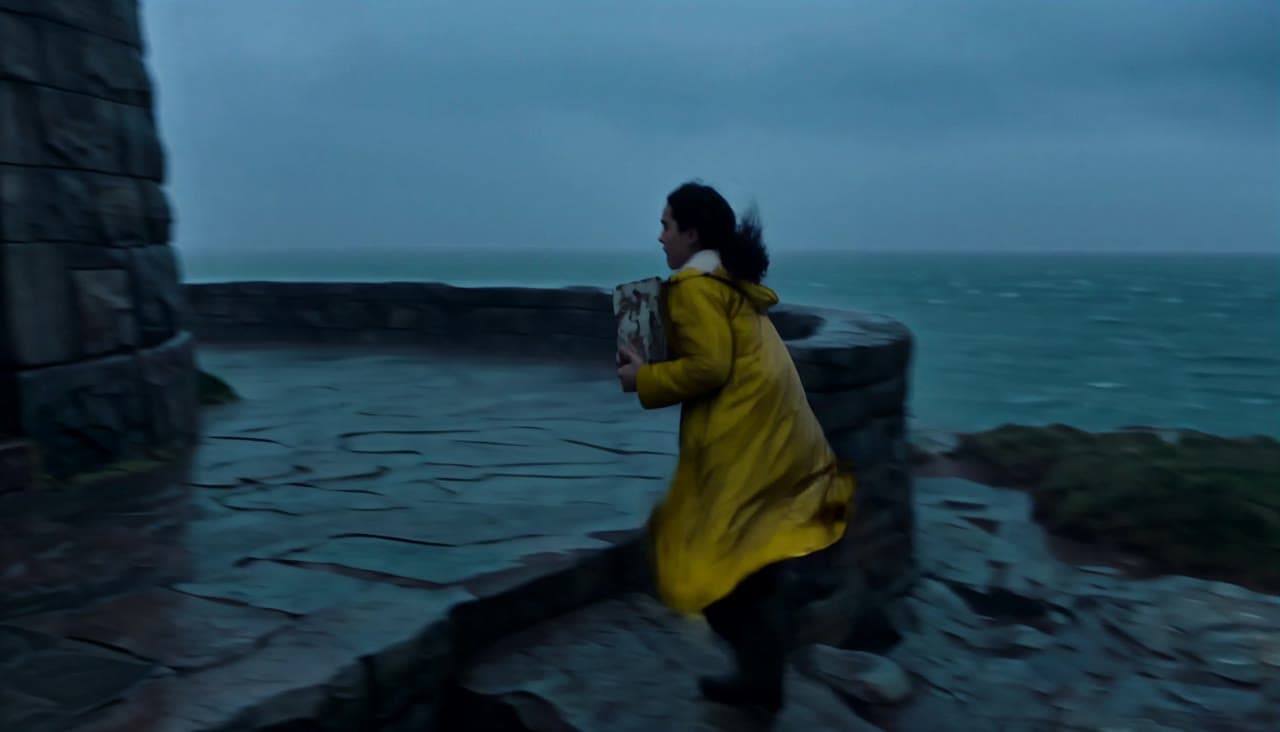
MiniMax H3 lighthouse keeper rescue video with native audio
This MiniMax H3 text-to-video example follows Elara through a storm as she relights a lighthouse, speaks in the lantern room and guides a lifeboat home across four connected shots.
 MiniMax H3
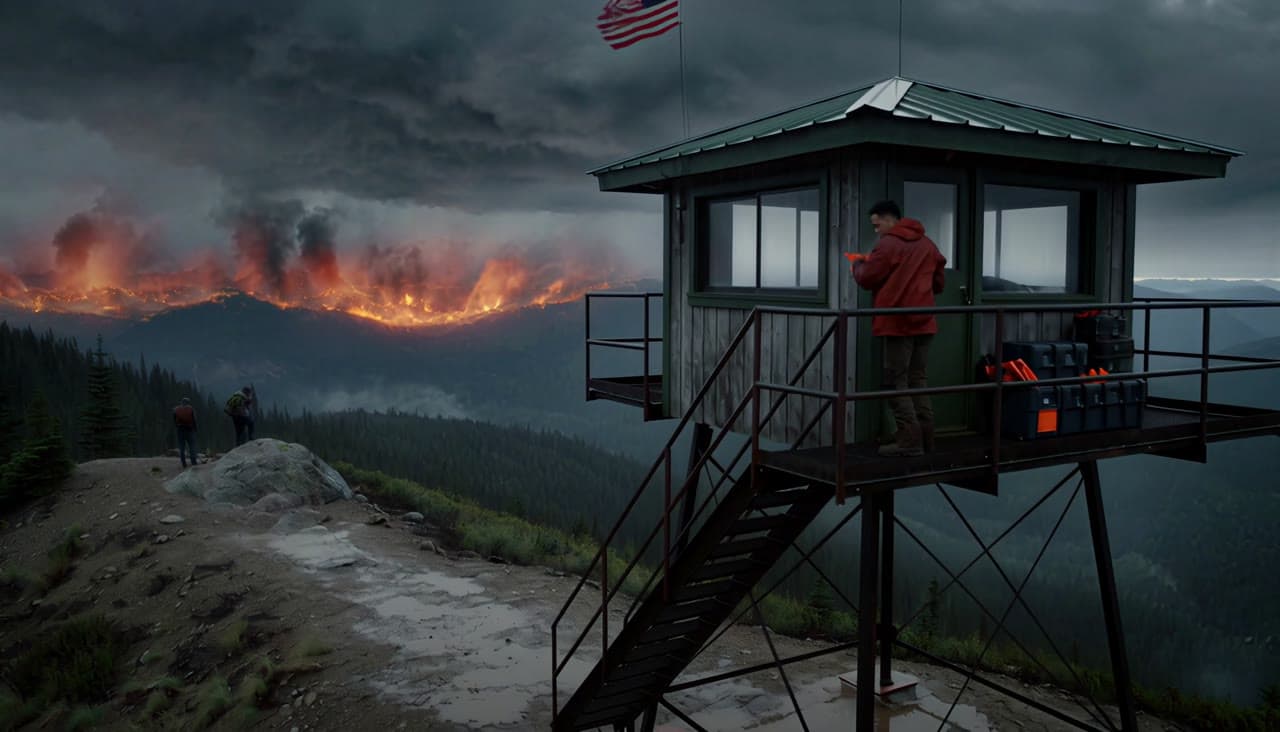
MiniMax H3 wildfire lookout rescue video with native audio
This MiniMax H3 text-to-video example follows Lio from a mountain lookout tower to a flare-lit rescue trail, preserving character identity across four connected shots with dialogue and native stereo sound.
 Wan 2.5 Text & Image to Video
Wan 2.5 vertical spy-to-Zoom comedy video example
This Wan 2.5 watch page shows a vertical comedy prompt that opens like a spy action scene and ends with a Zoom-call reveal.